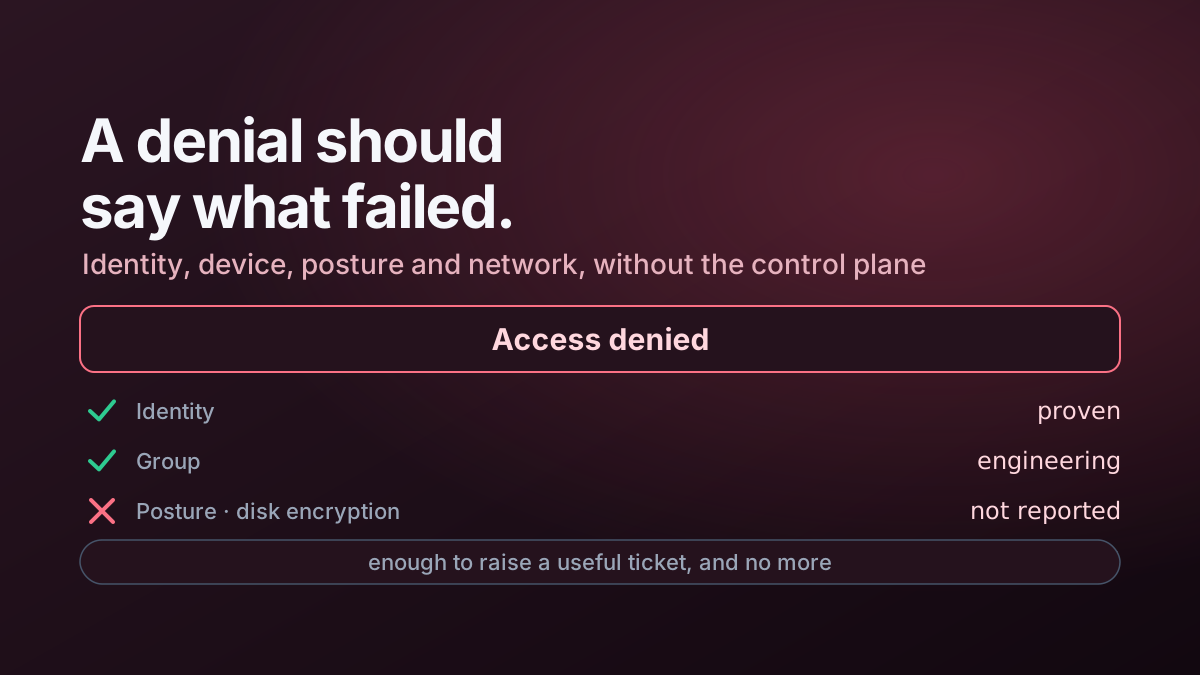
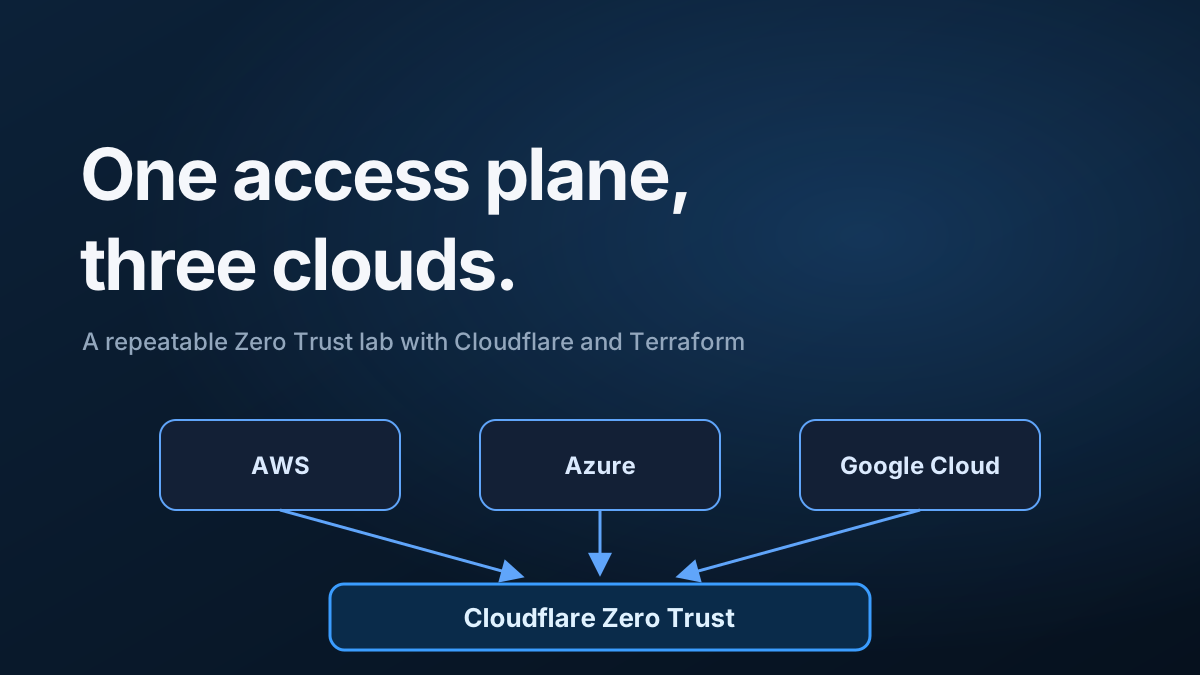
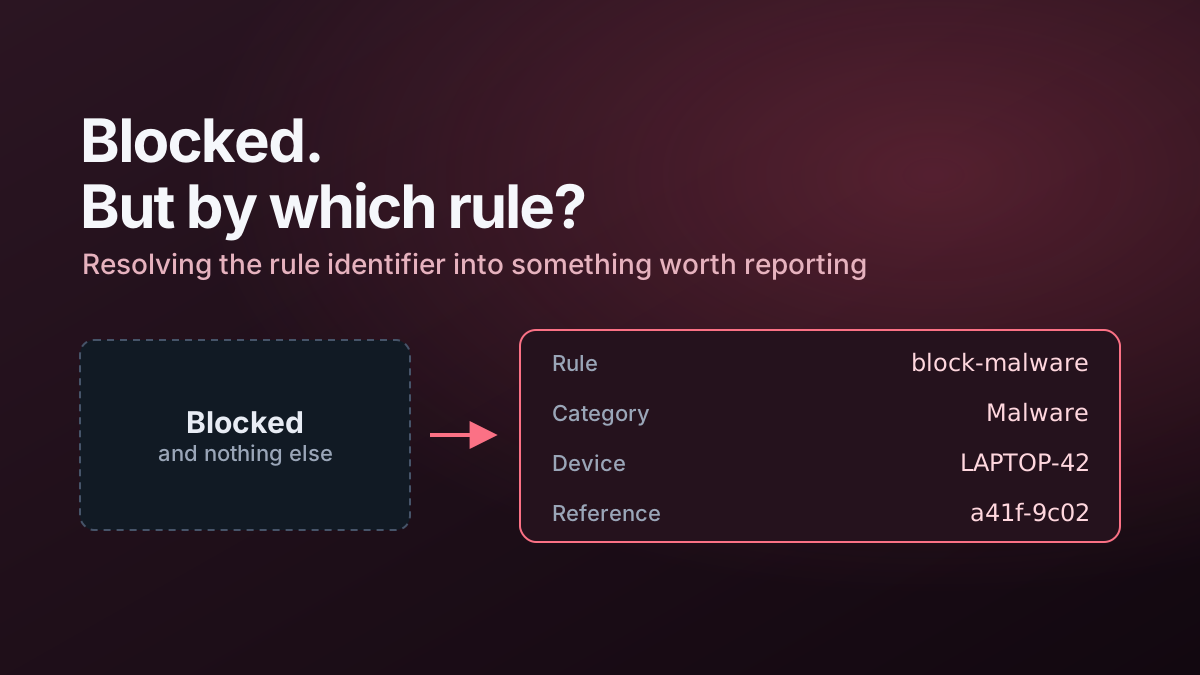
This project extends the normal Cloudflare Access denial experience with a Worker-hosted diagnostic page.
The goal is to make denied access easier to troubleshoot without exposing Cloudflare API credentials or turning the page into a privileged administration console.
Problem
A generic Access denial confirms that policy worked, but it does not tell the user or support team enough about the evaluated session.
The questions I wanted the page to answer were:
- which identity was used;
- which identity provider supplied it;
- which device was evaluated;
- whether Cloudflare One Client/WARP was connected;
- which posture checks passed or failed;
- what public and virtual addresses were associated with the device;
- whether there were recent failed Access attempts.
Architecture
Access denial
    ↓
Custom deny URL
    ↓
Cloudflare Worker
    ↓
Worker API endpoints
    ↓
Cloudflare identity, device, posture and analytics APIs
The browser receives only the fields required by the UI. The Cloudflare API token remains in Worker secrets.
Main capabilities
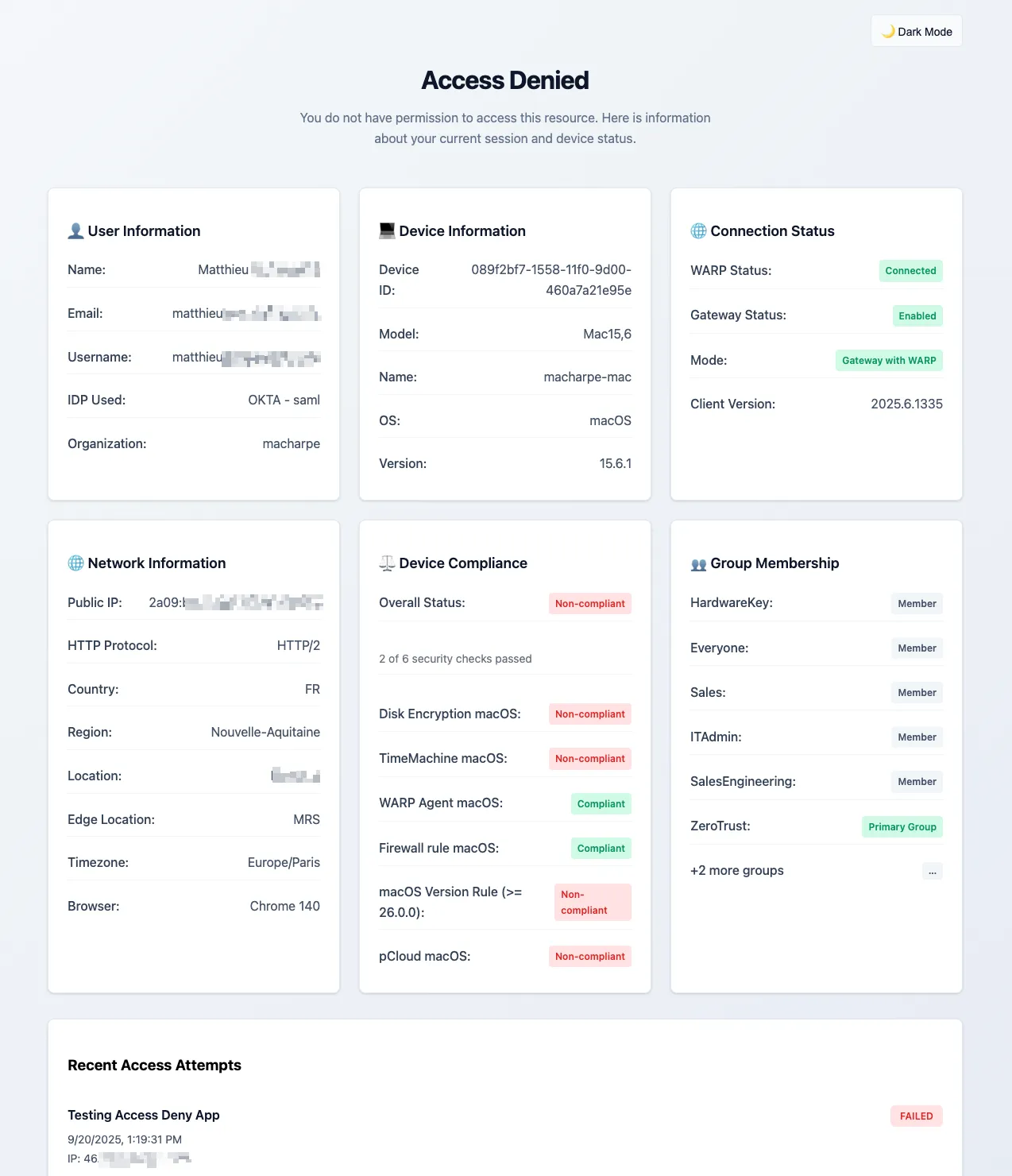
The page presents diagnostic information in separate areas for:
- user identity;
- device information;
- connection/WARP state;
- public network information;
- device compliance;
- group membership;
- recent access attempts.
It also retrieves Cloudflare One Client virtual IPv4 and IPv6 addresses from active device registrations when those values are available.
Worker structure
The TypeScript implementation is split into routing, handlers, templates and utility modules rather than one large Worker file.
src/
  handlers/
    api.ts
    router.ts
  templates/
    access-denied.ts
  utils/
    auth.ts
    cors.ts
  main.ts
That keeps the UI template separate from API and authentication logic.
Security approach
The project uses several defensive controls:
- scoped Cloudflare API token stored as a secret;
- server-side API calls;
- CORS restrictions for API endpoints;
- input validation;
- security headers;
- safe fallback behaviour when enrichment APIs fail;
- no public caching of personalised denial data.
The Worker adds information to an already denied request; it never changes the underlying Access decision.
Operational design
Independent enrichment requests are run in parallel where possible so the page does not become slow simply because several control-plane APIs are involved.
Optional data also fails gracefully. A failed device or history lookup should reduce the amount of information shown, not prevent the denial page from rendering.
Deployment outline
The repository includes Wrangler configuration and an example development-variable file.
A typical deployment workflow is:
npm install
npm run typecheck
npm run lint
npx wrangler deploy
Cloudflare Access applications then use the Worker URL as their custom denial destination.
Related article
See Making Cloudflare Access Denials Actually Useful for the design reasoning and operational lessons behind the project.