This project provides a custom Cloudflare Gateway block page backed by a Worker.
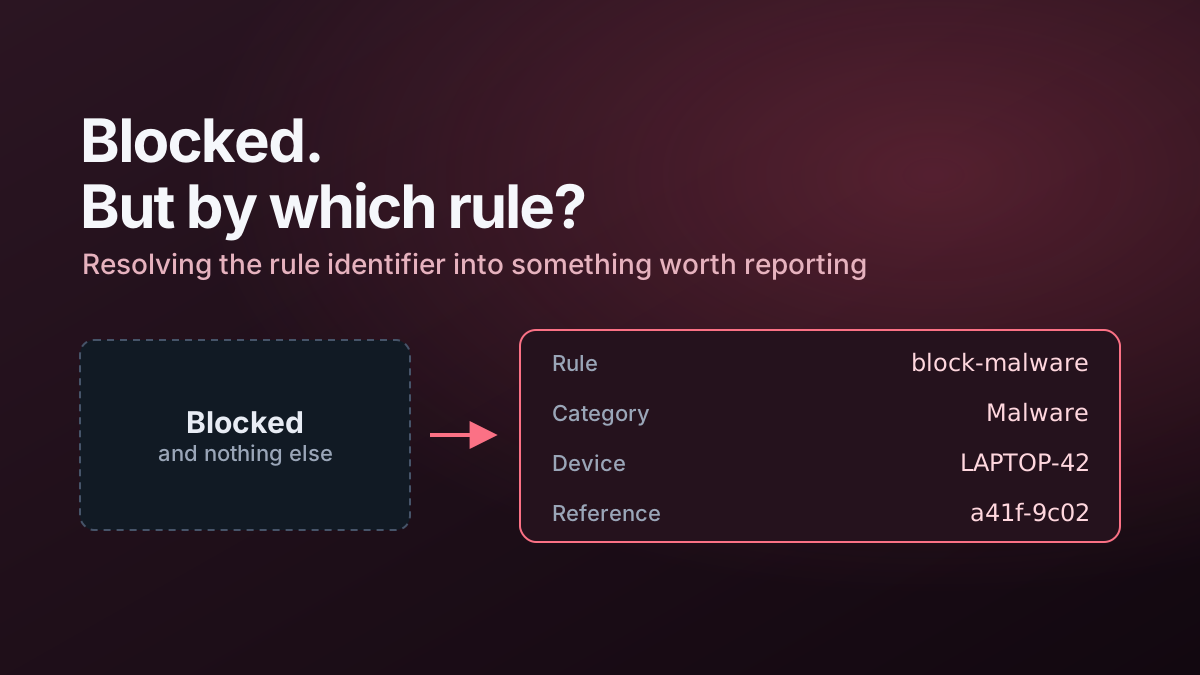
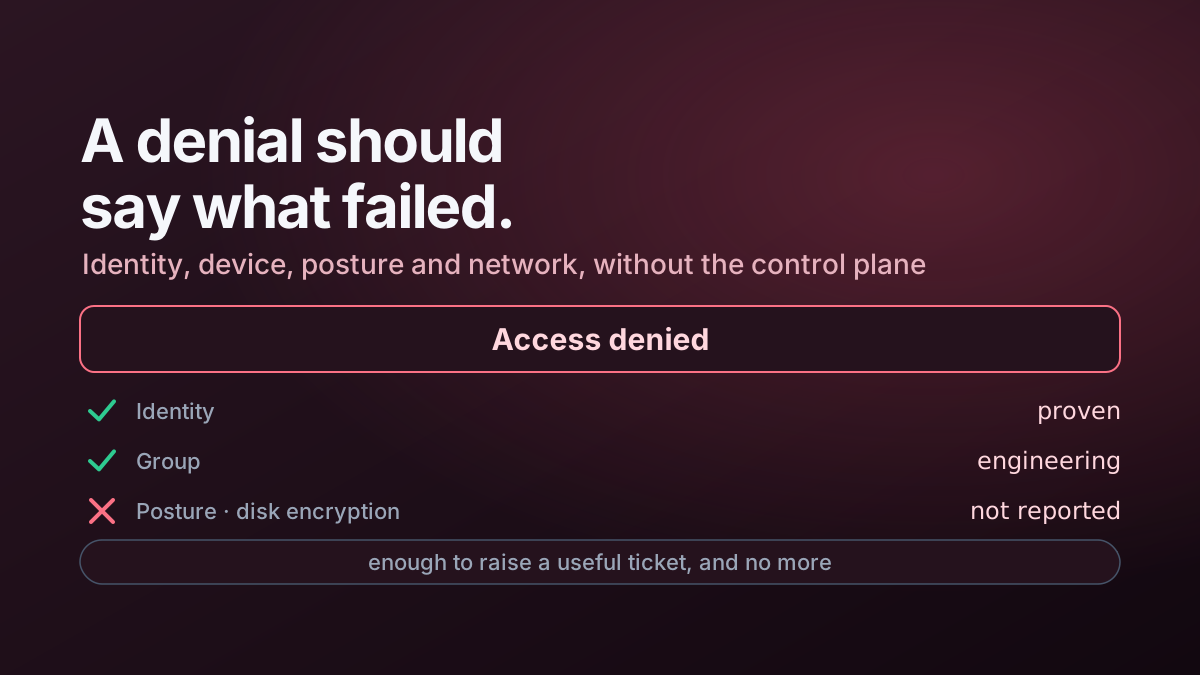
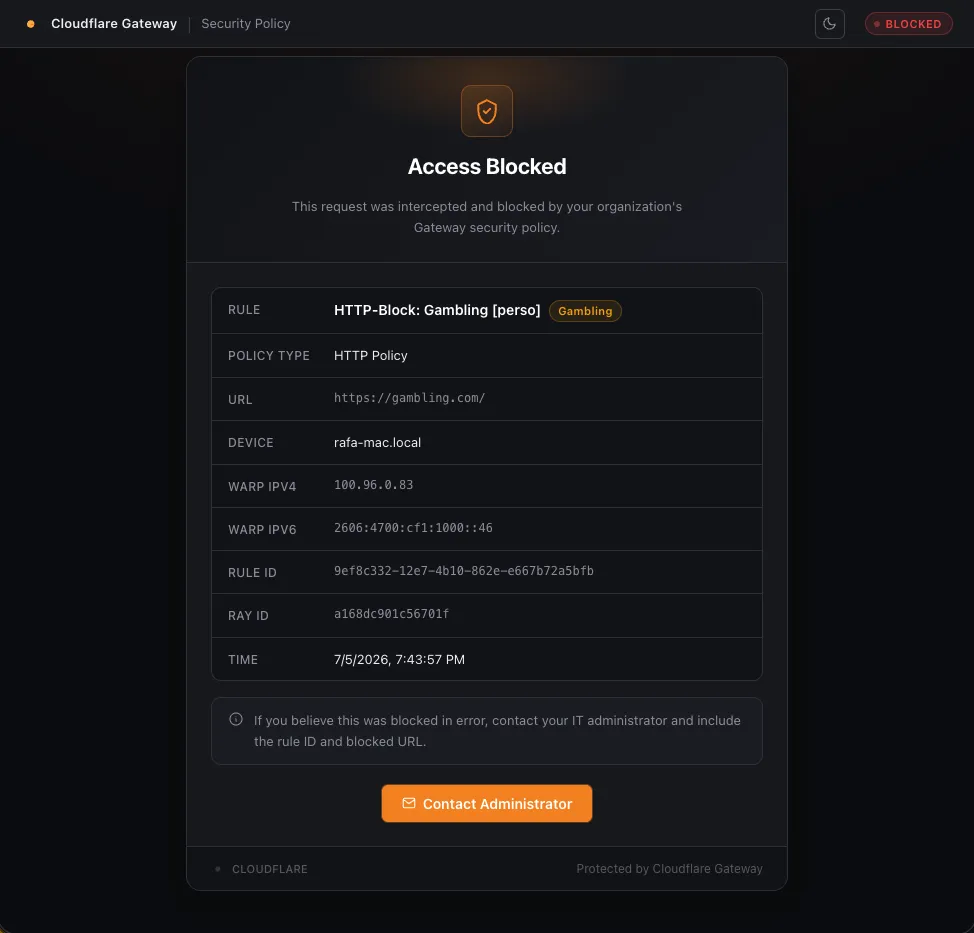
Instead of presenting only a generic blocked message, it takes the context supplied by Gateway and enriches identifiers into values that users and support teams can act on.
Request context
The Worker understands Gateway parameters including values such as:
cf_rule_id
cf_site_uri
cf_request_category_names
cf_user_email
cf_filter
cf_device_id
cf_ray_id
The available fields vary with the request, so the implementation treats enrichment as optional rather than assuming every parameter will always exist.
Rule-name enrichment
When a Gateway rule ID is present, the Worker resolves it through the Cloudflare API and displays the human-readable rule name.
That gives a support-friendly result such as:
Policy: Block Newly Registered Domainsinstead of presenting only a UUID.
Device enrichment
When Gateway supplies a device ID, the Worker can also retrieve:
- device name;
- Cloudflare One Client virtual IPv4 address;
- Cloudflare One Client virtual IPv6 address.
Those identifiers are useful when correlating the block with Zero Trust logs and client routing.
Caching
Reference data such as rule and device names is cached for short periods to reduce Cloudflare API traffic.
The final personalised HTML page is not cached.
Reference lookup → cache briefly
Rendered block   → Cache-Control: no-store
Resilience
Cloudflare API calls use bounded retry/fallback behaviour.
If a rule name cannot be resolved, the page can still show the rule identifier. If device enrichment fails, the rest of the block context remains available.
The block itself never depends on enrichment succeeding.
Security controls
The Worker includes:
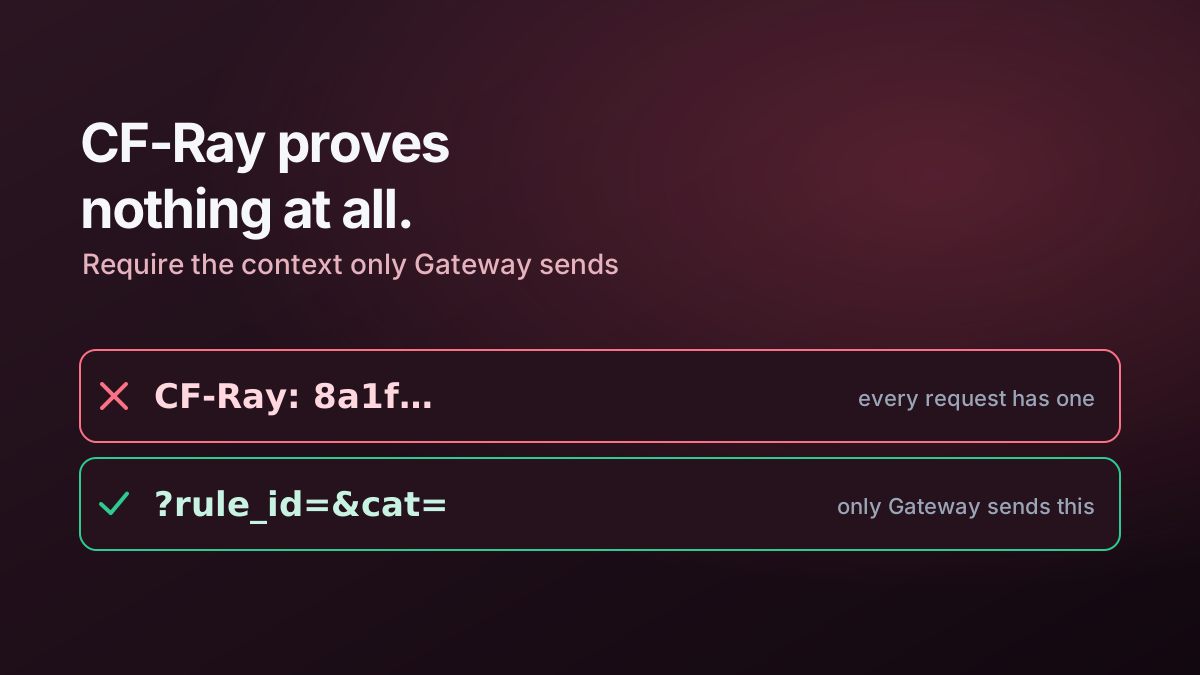
- a check for Gateway-specific request context before rendering the page;
- restrictive response headers;
- per-response CSP nonces;
- no-store caching for personalised output;
- CORS allow-listing for the JSON representation;
- secrets kept in Worker configuration rather than browser code.
A direct visit to the Worker without Gateway context receives a simple denial instead of a populated diagnostic page.
JSON API
The same enrichment logic can return JSON when requested with the appropriate Accept header.
That makes it possible to reuse the Worker for troubleshooting or automated checks without scraping HTML.
Deployment outline
The repository contains Wrangler configuration, tests and the Worker source.
Typical local/deployment commands are:
npm install
npm test
npm run lint
npx wrangler deploy
After deployment, the Worker URL is configured as the custom Gateway block-page destination.
Related article
See Building a Better Cloudflare Gateway Block Page for the implementation patterns and security decisions behind the project.