Client configuration is easy when there are five exceptions.
It becomes a platform problem when there are hundreds of sites, overlapping private networks, environment-specific DNS suffixes and several WARP profiles that all need to stay consistent.
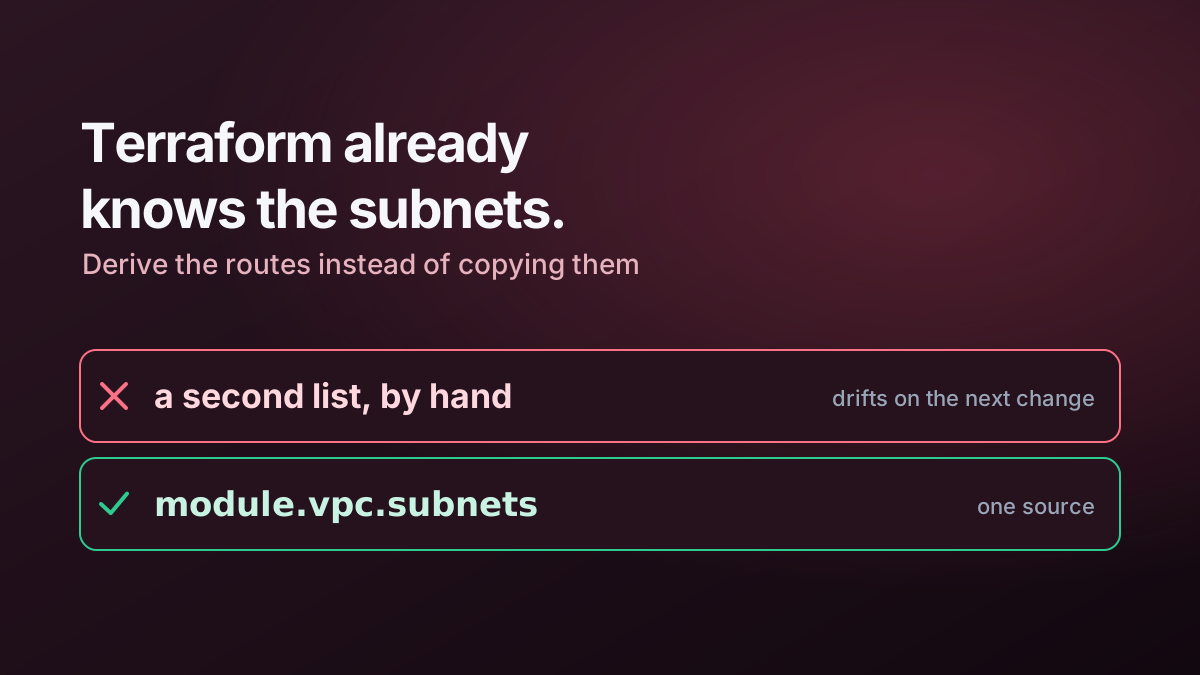
At that scale, manually maintaining split-tunnel and fallback-domain entries stops being configuration management and becomes drift management.
Start with one source of truth
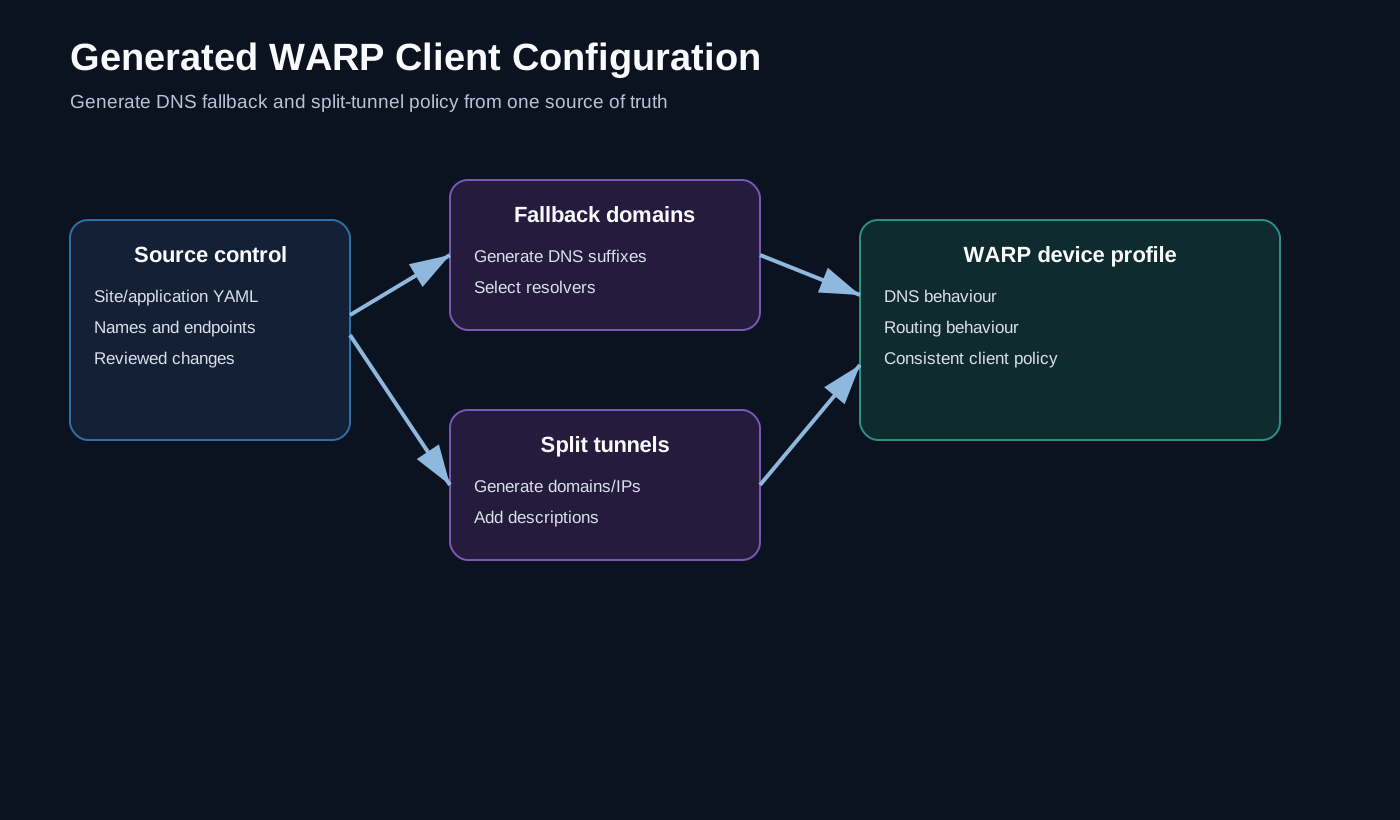
The useful pattern is:
Reviewed site/application data
        ↓
       Git
        ↓
PowerShell generation
   ↙            ↘
DNS fallback   split tunnel
configuration  configuration
        ↓
    WARP profiles
The input can be YAML, JSON or another structured format. The important requirement is that application/site information is maintained once.
From that source, automation can derive several Cloudflare configuration artefacts.
DNS and routing are related, but not identical
This is where WARP client profiles get interesting.
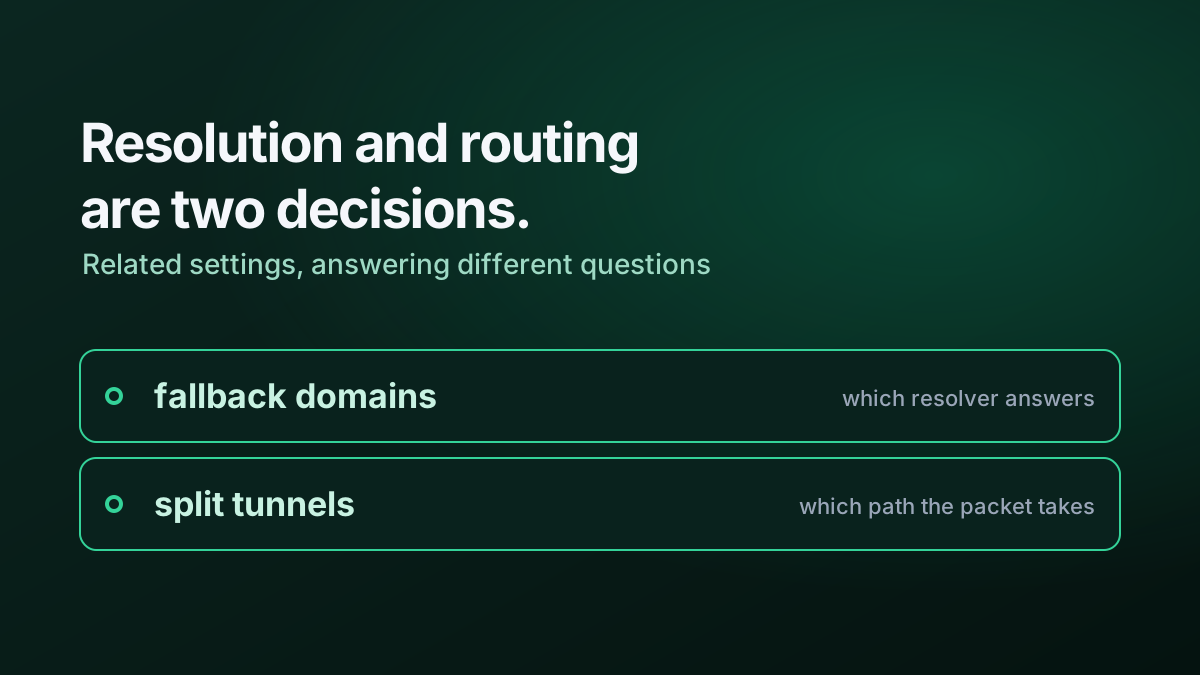
For a private name, two independent decisions may be required:
- Who should resolve this name?
- Should the resulting traffic traverse WARP?
Fallback domains answer the first question by choosing a resolver for a suffix.
Split tunnels answer the second by deciding whether matching IPs or domains are included in or excluded from the WARP path.
Treating these as unrelated spreadsheets is a good way to create hard-to-diagnose mismatches.
Generate both from the same object
Imagine a source entry like:
site: north-lab
private_suffix: onprem.north-lab.example
public_endpoint: vpn.north-lab.example
A generator can derive a fallback-domain object:
{
  "suffix": "onprem.north-lab.example",
  "dns_server": ["10.10.10.10"]
}
and a corresponding split-tunnel line or device-profile object.
The exact Cloudflare API representation can change. The architecture is more durable: derive related client policy from one reviewed input.
Base configuration plus generated configuration
Not every entry should be generated.
A practical model is:
base configuration
      +
generated site entries
      =
complete profile
The base file contains stable exceptions that apply everywhere. The generator adds the entries driven by the current site/application inventory.
That gives operators a clean distinction between intentional static policy and data-driven policy.
Make generation idempotent
Running the generator twice with unchanged input should produce the same output.
Avoid simply appending to the existing generated file. Instead:
- read the base file;
- build generated entries from source data;
- normalise and de-duplicate;
- write the complete output from scratch.
That one choice eliminates a surprising amount of configuration debris.
Validate before applying
Useful validation includes:
- duplicate suffixes;
- malformed domains;
- duplicate or overlapping split-tunnel entries;
- empty generated sets;
- a large drop in generated objects;
- DNS servers outside expected address ranges;
- source objects missing mandatory fields.
A generated file is not automatically a correct file.
Why source control helps
When the input is in Git, changes have context:
- who added a site;
- which values changed;
- code review;
- rollback;
- history;
- a natural trigger for generation or deployment.
This converts what was previously client configuration into a small data pipeline.
The broader lesson
The more a Zero Trust deployment grows, the more configuration should be derived from authoritative data instead of copied between consoles.
Split tunnels and fallback domains are good examples because they sit at the boundary between DNS, routing and application ownership. Automating them reduces drift, but more importantly it gives those three domains a shared source of truth.
The examples are deliberately generic and do not expose private suffixes, DNS servers, repository locations or production WARP profiles.