A PowerShell script can solve a problem in twenty lines and still create years of support work.
The issue is rarely the language. It is the absence of an engineering standard around the script:
- no clear input contract;
- no predictable error behaviour;
- no preview mode;
- no separation between discovery and change;
- no structured output;
- no tests;
- no owner or release process.
Once automation changes identity, security, endpoint or cloud configuration, I treat it as production software rather than a useful collection of commands.
Start with a behavioural contract
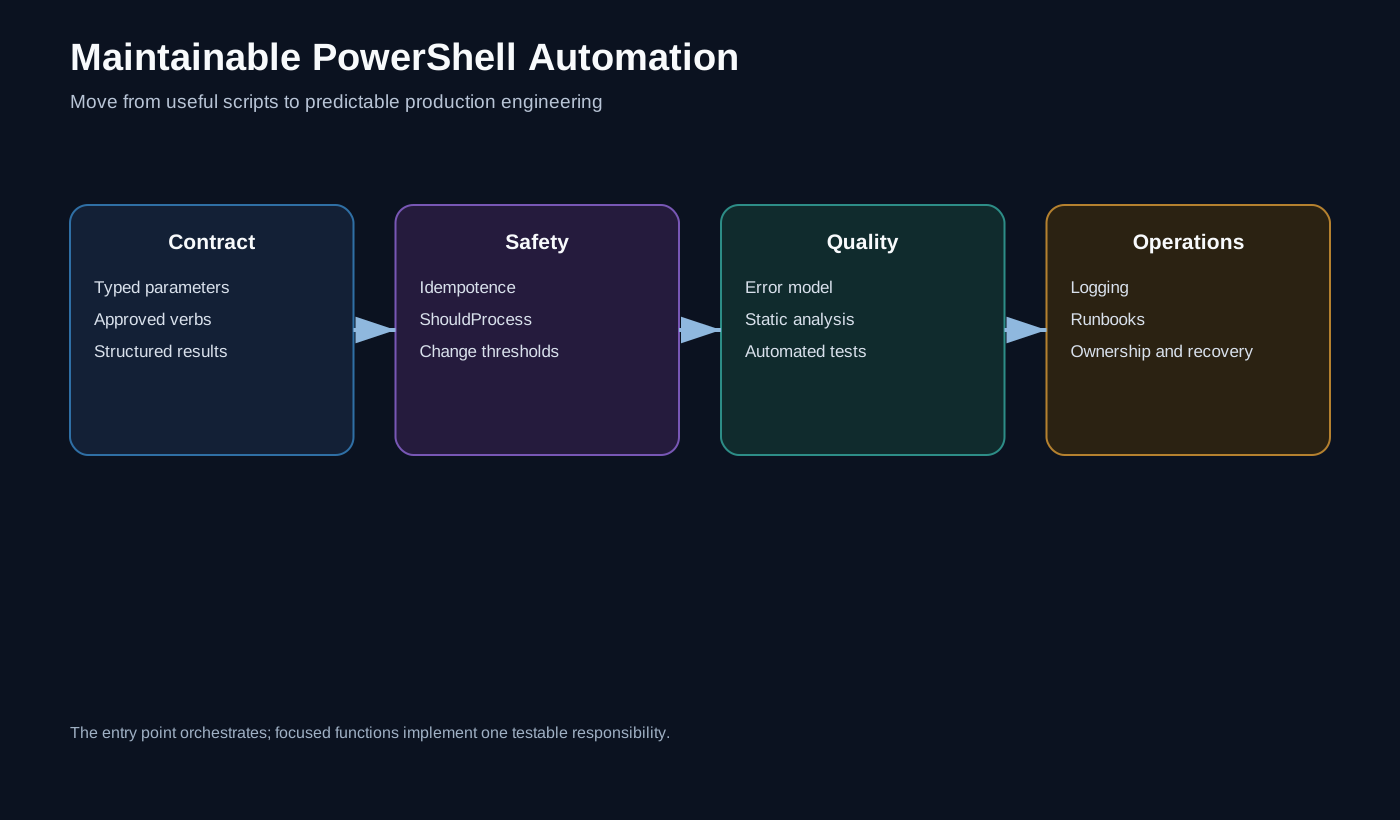
Before discussing formatting, decide what every production function must guarantee.
For me, the baseline is:
- inputs are explicit and validated;
- state-changing functions support
-WhatIf; - failures are terminating and visible to the caller;
- output is made of objects, not display text;
- repeated execution is safe;
- secrets are never written to source or logs;
- the function can be tested without changing production.
That contract is more valuable than arguing about brace placement.
Use advanced functions for production entry points
An advanced function gives automation a consistent command-line interface and access to common PowerShell behaviours.
function Set-PlatformConfiguration {
    [CmdletBinding(
        SupportsShouldProcess = $true,
        ConfirmImpact = 'Medium'
    )]
    param(
        [Parameter(Mandatory)]
        [ValidateSet('Test', 'Development', 'Production')]
        [string]$Environment,

        [Parameter(Mandatory)]
        [ValidateNotNullOrEmpty()]
        [string]$DefinitionPath
    )

    Set-StrictMode -Version Latest
    $ErrorActionPreference = 'Stop'

    if (-not (Test-Path -LiteralPath $DefinitionPath -PathType Leaf)) {
        throw "Definition file not found: $DefinitionPath"
    }

    if ($PSCmdlet.ShouldProcess(
        $Environment,
        "Apply configuration from $DefinitionPath"
    )) {
        # Make the validated change here.
    }
}
SupportsShouldProcess automatically exposes -WhatIf and -Confirm. That does not make the function safe by itself, but it gives callers a standard way to preview state-changing operations.
Separate discovery, comparison and change
The most maintainable automation usually has three distinct layers:
Get current state
       ↓
Compare with desired state
       ↓
Apply the approved difference
I avoid functions that retrieve an object, make a decision and change it inside one long loop. That structure is difficult to test and makes preview output unreliable.
A better shape is:
$current = Get-PlatformState -Environment $Environment
$desired = Import-PlatformDefinition -Path $DefinitionPath
$plan    = Compare-PlatformState -Current $current -Desired $desired

$plan

if ($Deploy) {
    Set-PlatformState -Plan $plan -Environment $Environment
}
The comparison result becomes a first-class object. It can be reviewed, logged, tested and passed to the deployment function.
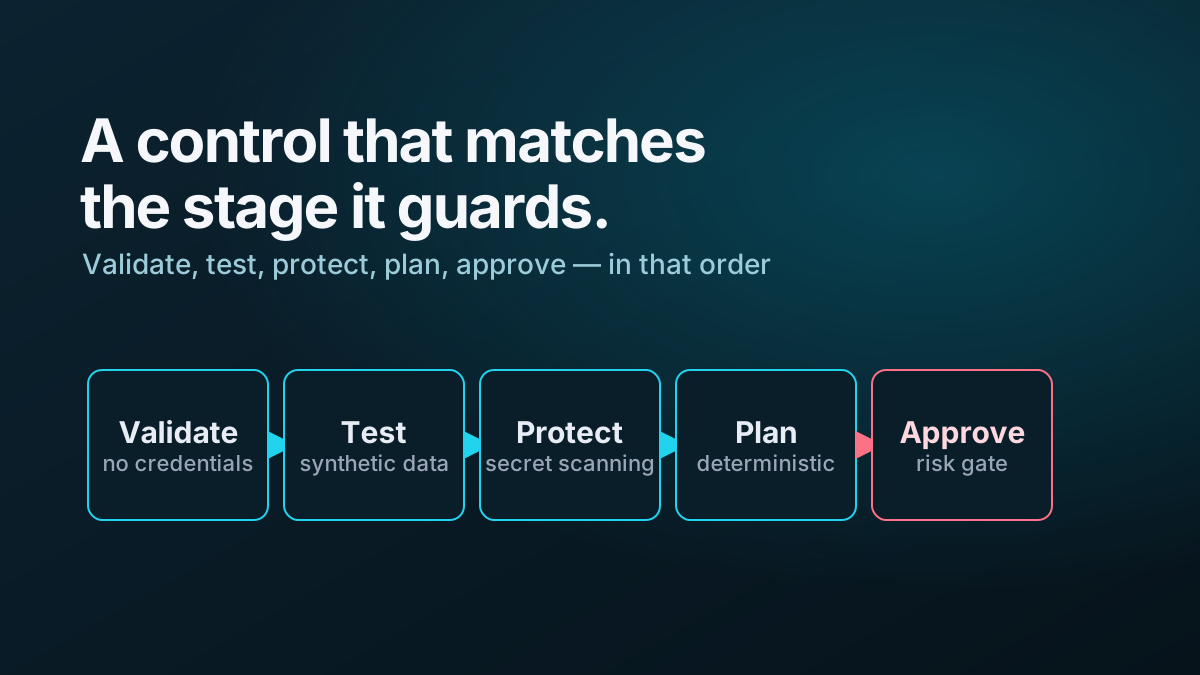
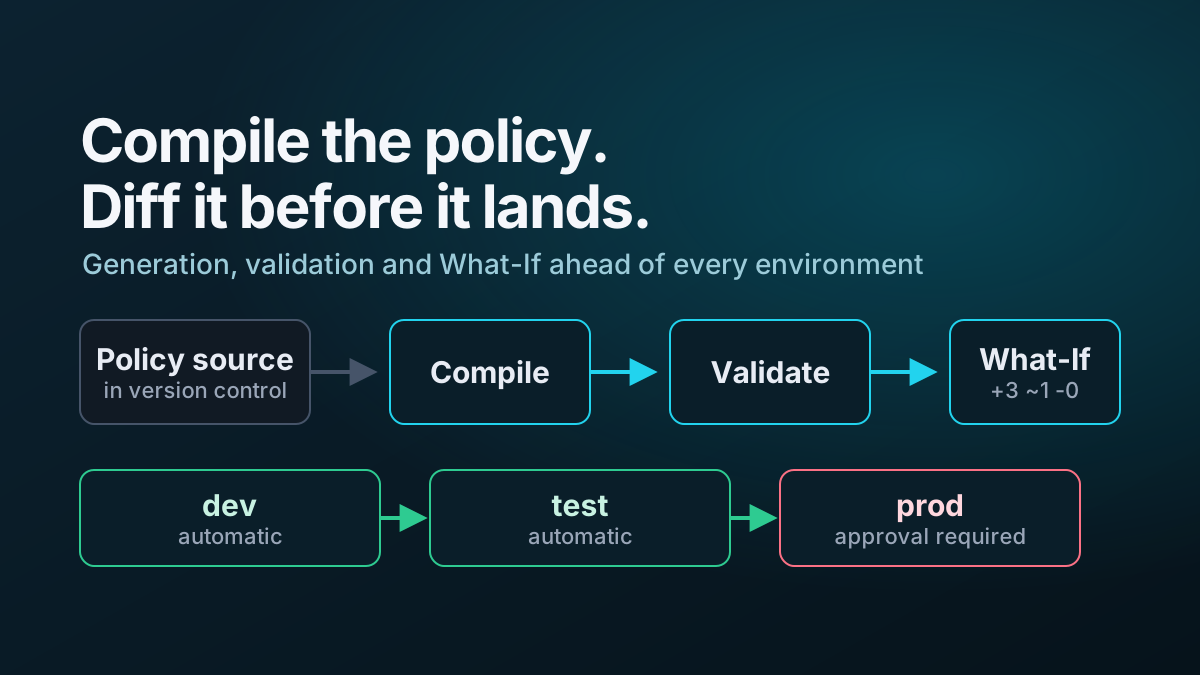
This is the same principle I use in safe Zero Trust deployment pipelines: preview and deployment must share the same calculation path.
Return objects, not presentation
A function should return data that another command can consume.
[pscustomobject]@{
    Environment = $Environment
    Resource    = $ResourceName
    Action      = 'Update'
    Changed     = $true
    Timestamp   = [datetime]::UtcNow
}
Formatting belongs at the edge:
$result | Format-Table Environment, Resource, Action, ChangedWriting formatted strings from deep inside the function makes automation harder to compose and forces future callers to parse text.
I use the PowerShell streams deliberately:
- success output for result objects;
- verbose output for diagnostic detail;
- warning output for recoverable concerns;
- error records for failures;
- information output only when it has a clear operational purpose.
Make failure semantics unambiguous
A script that writes an error and continues can leave an environment half changed while the pipeline reports success.
At the automation boundary, I prefer terminating failures:
try {
    $response = Invoke-RestMethod @request
}
catch {
    $PSCmdlet.ThrowTerminatingError($_)
}
Catch an exception when you can add context, perform a bounded retry or clean up a resource. Do not catch it simply to write a friendlier message and then continue.
The caller needs a reliable exit state.
Design for idempotence
Idempotent automation converges a target onto the desired state. Running it again should produce no unintended change.
That normally means:
- look up an object by a stable key;
- normalise current and desired values before comparing them;
- create only when missing;
- update only when materially different;
- remove only when deletion was explicitly requested;
- verify the final state.
Blindly sending the same POST request twice is repetition. Idempotence is a different property.
Where an API returns fields in a different order, adds default values or reformats expressions, the comparison layer should understand semantic equality rather than comparing raw JSON strings.
Keep configuration separate from code
Environment values, policy definitions and resource names should not be buried throughout a script.
A useful repository shape is:
src/
  Public/
  Private/
config/
  test/
  development/
  production/
tests/
  unit/
  integration/
pipelines/
Code describes behaviour. Configuration describes intent.
Secrets describe neither and should live in an approved secret store, retrieved by a workload identity or tightly scoped service connection where possible.
Make code testable by controlling dependencies
A function that reaches directly into global variables, the current directory and a production API is difficult to test.
Pass dependencies in explicitly or put external calls behind small private functions:
function Get-PlatformResource {
    [CmdletBinding()]
    param(
        [Parameter(Mandatory)]
        [uri]$ApiUri,

        [Parameter(Mandatory)]
        [hashtable]$Headers
    )

    Invoke-RestMethod -Method Get -Uri $ApiUri -Headers $Headers
}
Unit tests can mock that boundary. Integration tests can target a controlled environment. Production deployment remains a separate concern.
The most valuable tests normally cover:
- empty and invalid input;
- no-change behaviour;
- create, update and removal plans;
- API pagination;
- transient failure and retry limits;
- unsafe deletion thresholds;
- secret redaction;
-WhatIfbehaviour.
Put static analysis in the pipeline
PSScriptAnalyzer provides a repeatable baseline for finding common PowerShell quality problems.
$analysisParameters = @{
    Path     = './src'
    Recurse  = $true
    Severity = @('Warning', 'Error')
}

$findings = Invoke-ScriptAnalyzer @analysisParameters

if ($findings) {
    $findings | Format-Table -AutoSize
    throw 'PowerShell static analysis failed.'
}
Do not switch on every rule and immediately suppress half of them. Start with a reviewed settings file, document exceptions and tighten the standard over time.
Static analysis is a gate, not a substitute for tests or review.
Version the operational contract
A production module should make it possible to answer:
- which version ran;
- which commit produced it;
- which configuration version it consumed;
- who approved the change;
- what it intended to change;
- what actually changed;
- whether validation passed.
That evidence is part of the product.
A concise standard
My minimum standard for production PowerShell is:
Validated parameters
Advanced functions
ShouldProcess for state changes
Strict and terminating error behaviour
Structured object output
Read / compare / apply separation
Idempotent change logic
No secrets in code or logs
Static analysis and tests
Versioned configuration
Deployment evidence
Named ownership
Script size is beside the point. The objective is to make important automation unsurprising.
Further reading
The examples use synthetic names and omit organisation-specific modules, repositories, service connections and production configuration.