A CI/CD pipeline is much easier to understand when none of its commands are new.
That was the approach I took while learning a new container deployment platform.
Rather than starting with .gitlab-ci.yml, I first built and deployed a tiny application manually.
Only when that worked did I turn it into a pipeline.
Start with the manual workflow
The application was deliberately minimal.
Its container could be built with:
docker build -t hello-container:1.0.0 .Tested with:
docker run --rm -p 8080:8080 hello-container:1.0.0And verified using:
curl localhost:8080/health-check
curl localhost:8080/
Once that worked, the image could be tagged and pushed to the target container registry.
Conceptually:
docker tag hello-container:1.0.0 \
  registry.example.com/learning/hello-container:1.0.0

docker push \
  registry.example.com/learning/hello-container:1.0.0
The final manual step was to invoke the platform’s deployment CLI using a deployment descriptor that referenced that image.
At that point I had independently proved:
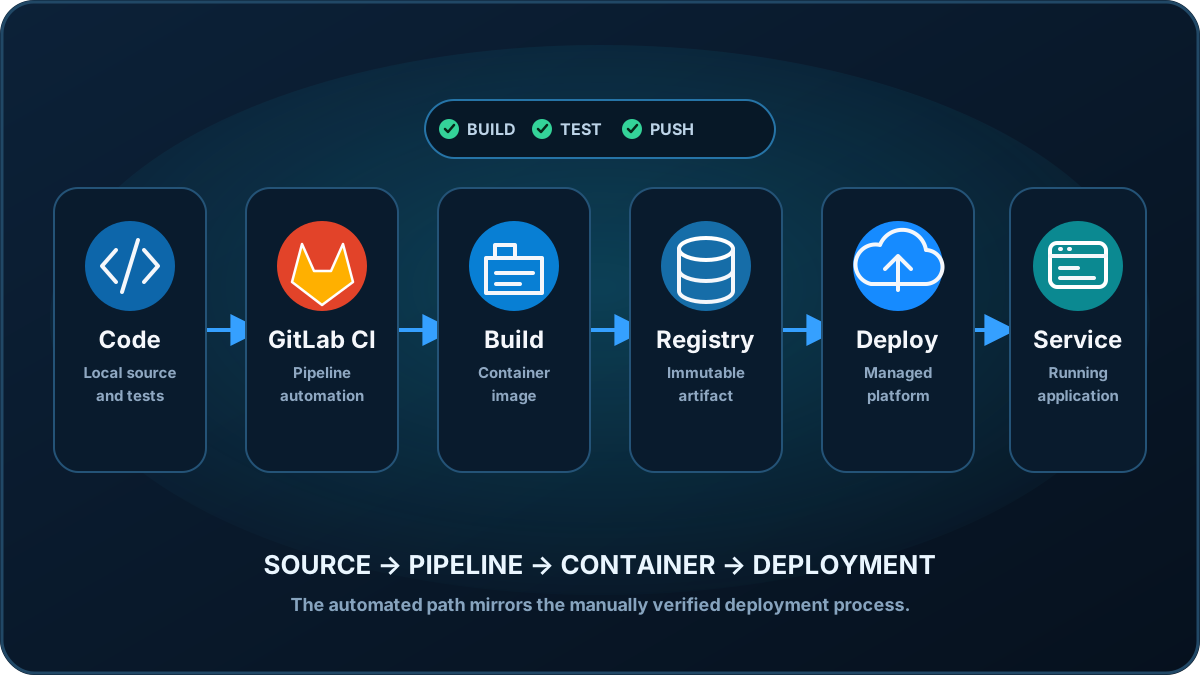
Source
  ↓
Docker build
  ↓
Local test
  ↓
Registry push
  ↓
Deployment command
  ↓
Running application
That became the specification for the pipeline.
Build exactly what you tested
The first pipeline stage only needs to automate the known build process.
A simplified GitLab job looks like:
stages:
  - build
  - deploy

variables:
  IMAGE_NAME: "registry.example.com/learning/hello-container"

build-and-push:
  stage: build
  script:
    - docker build -t "${IMAGE_NAME}:${CI_COMMIT_SHORT_SHA}" .
    - docker push "${IMAGE_NAME}:${CI_COMMIT_SHORT_SHA}"
There are platform-specific details around runners and registry authentication, but the important part is intentionally boring:
docker build
docker push
Those are the same operations already proven manually.
Don’t keep overwriting the same tag
During manual testing, a version such as:
1.0.0is convenient.
CI/CD gives us something better.
GitLab exposes:
CI_COMMIT_SHORT_SHASo an image can be tagged:
hello-container:a1b2c3d4instead of repeatedly pushing:
hello-container:latestThis gives us traceability:
Container image a1b2c3d4
          │
          ▼
Git commit a1b2c3d4
The running artifact can therefore be tied directly to the source that produced it.
See Why I Tag Container Images With the Git Commit SHA for the reasoning behind this.
Generate deployment configuration from the pipeline
The deployment stage needs to reference the image created by the build stage.
One option is to generate the small deployment descriptor during the job.
Conceptually:
deploy-dev:
  stage: deploy
  script:
    - |
      cat > deploy.json <<EOF
      {
        "applicationData": {
          "artifactUrl": "${IMAGE_NAME}:${CI_COMMIT_SHORT_SHA}",
          "version": "${CI_COMMIT_SHORT_SHA}"
        },
        "runtime": {
          "type": "docker"
        }
      }
      EOF

    - deployment-cli deploy --descriptor deploy.json
The exact descriptor and CLI will vary between platforms.
The pattern is more important:
Commit
  ↓
Build image tagged with commit
  ↓
Push that image
  ↓
Generate descriptor referencing same image
  ↓
Deploy that exact artifact
There is no ambiguity about which image the deployment should consume.
Keep deployment deliberate while learning
I didn’t want every push to immediately redeploy the environment.
GitLab manual jobs provide a useful middle ground.
deploy-dev:
  stage: deploy
  rules:
    - if: '$CI_COMMIT_BRANCH == $CI_DEFAULT_BRANCH'
      when: manual
Now the workflow is:
git push
   ↓
Build automatically
   ↓
Publish automatically
   ↓
Wait
   ↓
Human approves deployment
   ↓
Deploy
This is useful while developing confidence in a pipeline.
Automation doesn’t have to mean removing every control point on day one.
Credentials belong in CI/CD configuration
A deployment pipeline inevitably needs credentials.
They should not appear in:
.gitlab-ci.yml
deploy.json
Dockerfile
repository files
Instead, the pipeline receives secrets through the CI/CD platform’s protected variable or workload-identity mechanisms.
The repository contains the process.
The CI/CD system supplies the identity required to perform it.
That separation is fundamental.
The first pipeline failure becomes easier to diagnose
Imagine starting with a large pipeline containing:
- application compilation
- tests
- Docker builds
- registry authentication
- registry pushes
- deployment descriptors
- deployment credentials
- environment creation
- deployment
- DNS configuration
When it fails, there are a lot of unknowns.
Compare that with a pipeline created after the manual path has succeeded.
If this fails:
- docker build ...I already know the Dockerfile builds locally.
If this fails:
- docker push ...I already know the registry accepts the image from my development environment.
If deployment fails:
- deployment-cli deploy ...I already know the descriptor and application work when invoked manually.
The pipeline has become an automation problem rather than an application-and-platform-and-automation problem.
CI/CD should remove repetition, not understanding
There is a temptation to treat pipelines as the starting point.
For an established platform and an established team, that can make sense.
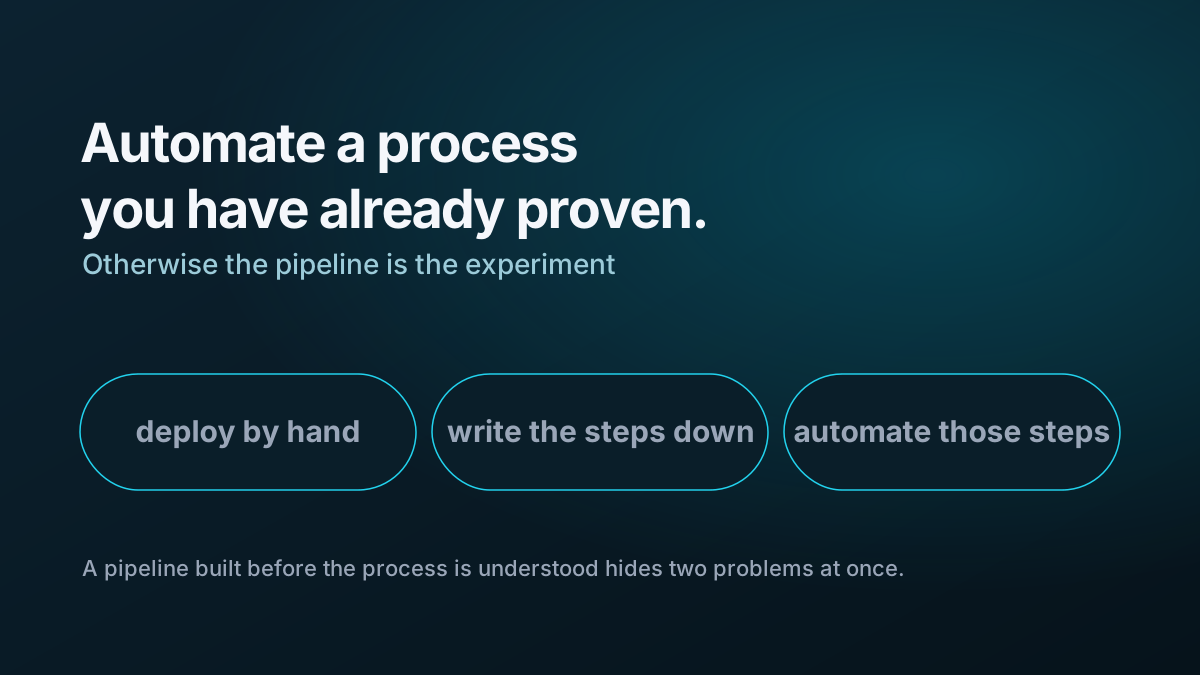
When learning a platform, I prefer:
Understand
    ↓
Execute manually
    ↓
Verify
    ↓
Automate
rather than:
Copy pipeline
    ↓
Run
    ↓
Hope
    ↓
Debug several layers at once
I captured that principle separately in Why I Deploy Manually Before Building the CI/CD Pipeline.
The finished model
The final architecture is uncomplicated:
Developer
    │
    │ git push
    ▼
GitLab
    │
    ▼
CI runner
    │
    ├── docker build
    │
    └── docker push
    │
    ▼
Container registry
    │
    ▼
Manual deploy approval
    │
    ▼
Deployment tooling
    │
    ▼
Container platform
    │
    ▼
Application
Each arrow represents something that was tested before it was automated.
That’s what made the final pipeline relatively straightforward.
The real benefit of doing the deployment manually first wasn’t that manual deployment is better.
It was that by the time I automated it, there was very little left that I didn’t understand.
For the wider set of lessons from the exercise, see What Deploying My First Containerised Application Taught Me.