This project was a deliberate end-to-end exercise in understanding the complete path between application source code and a running containerised service.
Rather than starting with an existing application or copying a CI/CD template, I built the smallest service I could and worked through each deployment layer manually before automating it.
Objective
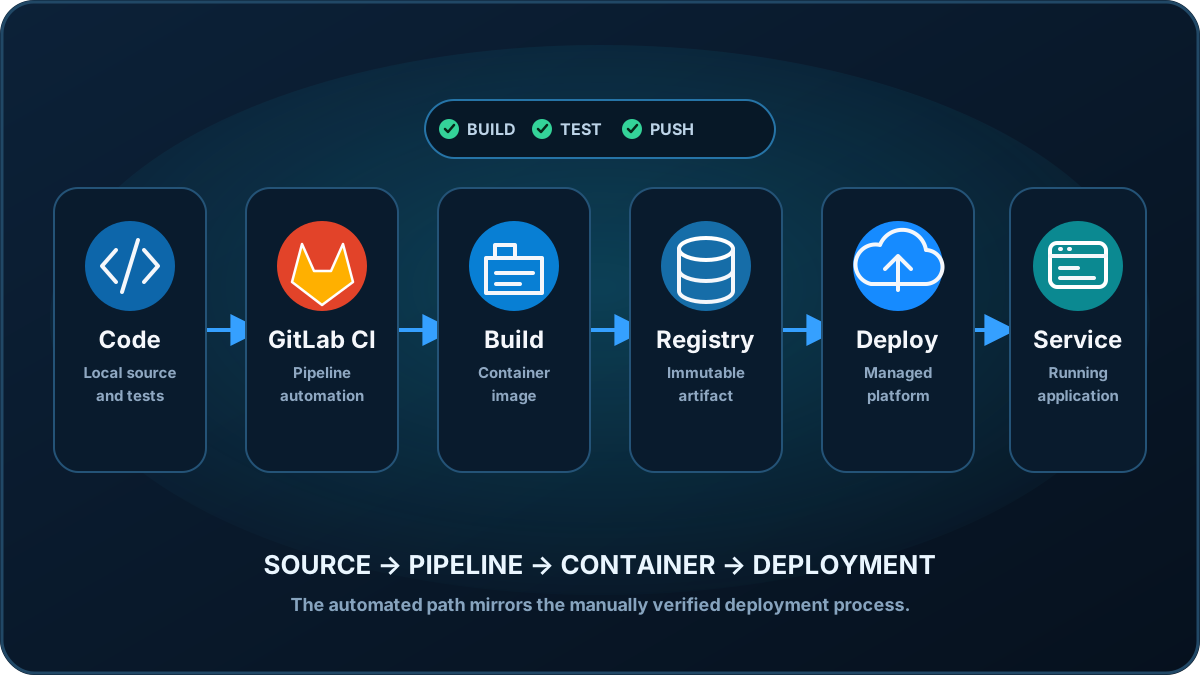
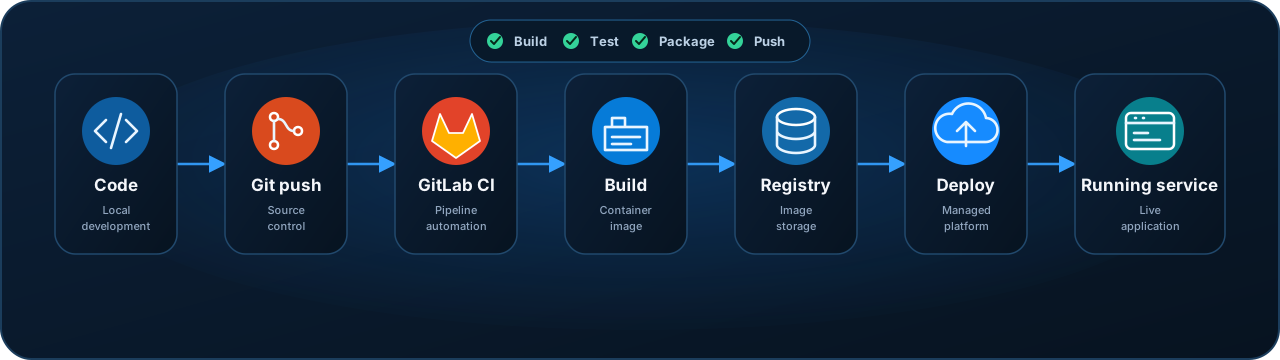
The target workflow was:
Source code
    ↓
Container image
    ↓
Local validation
    ↓
Container registry
    ↓
Deployment platform
    ↓
Running application
    ↓
GitLab CI/CD
The goal was not the application itself.
The goal was understanding every transition in that chain.
Application
The application is a minimal Node.js HTTP service with two responses:
/health-check → OK
/             → Hello world
The service listens on:
0.0.0.0:8080and runs as an unprivileged user inside the container.
This kept application complexity out of the deployment exercise.
Containerisation
The service was packaged into a small Linux container.
The image was built and tested locally before anything was published:
docker build -t hello-container:1.0.0 .

docker run --rm \
  --user nobody \
  -p 8080:8080 \
  hello-container:1.0.0
Health and application responses were then tested independently:
curl localhost:8080/health-check
curl localhost:8080/
This established a known-good artifact before introducing registry or platform dependencies.
Development environment
The container tooling runs through:
Windows
   ↓
WSL2
   ↓
Linux
   ↓
Docker Engine
Working across Windows and WSL also highlighted the importance of treating them as distinct execution environments for credentials and CLI configuration.
Manual deployment
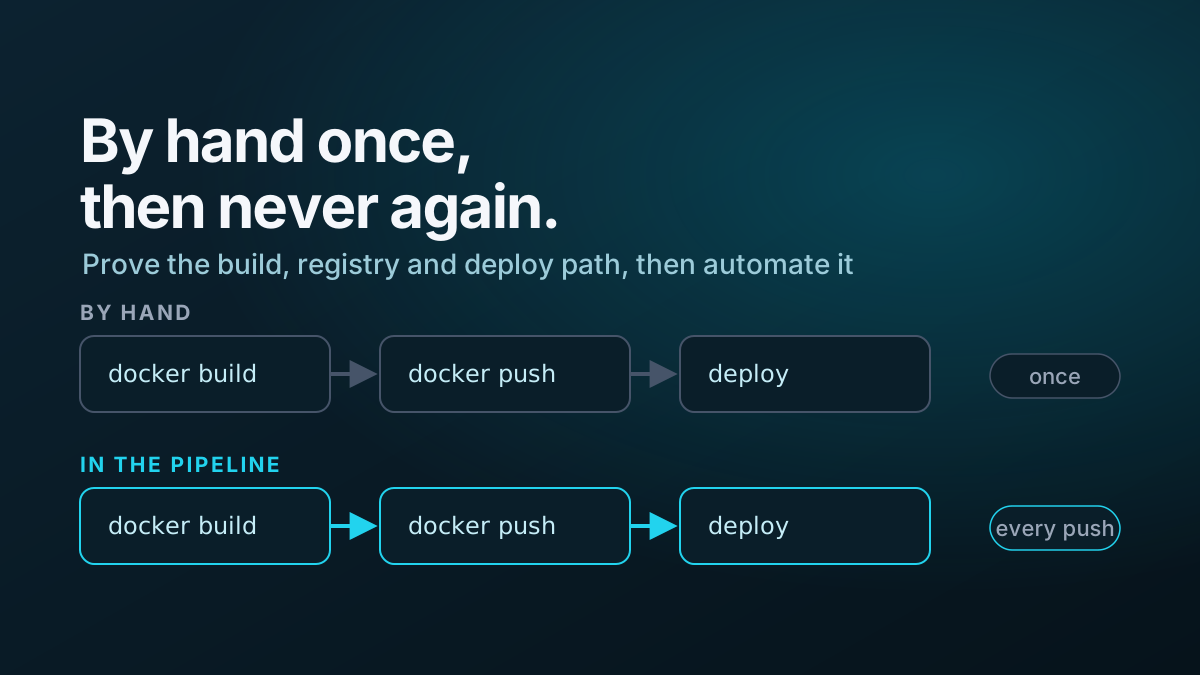
Before creating any CI/CD automation, I manually:
- built the image
- ran it locally
- tested the health endpoint
- authenticated to the container registry
- tagged the image
- pushed the image
- created the application environment
- deployed the service
- verified the resulting application
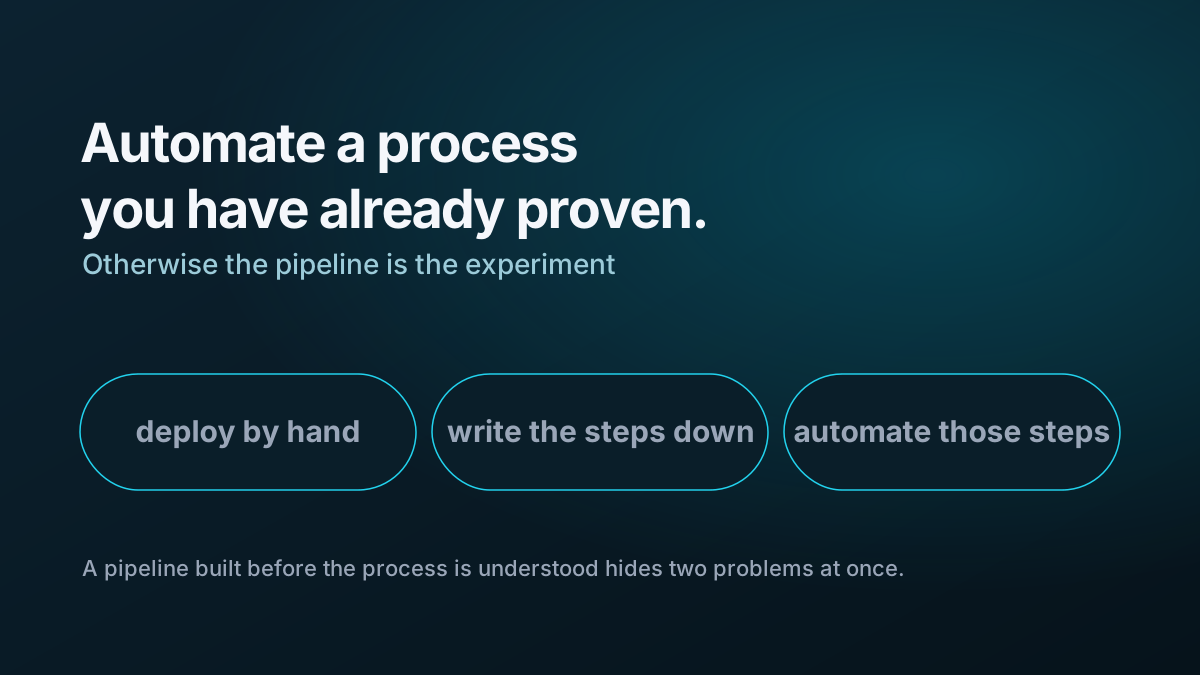
This proved the complete deployment path independently of GitLab.
DNS troubleshooting
One deployment also provided a useful DNS troubleshooting exercise.
The deployment itself succeeded, but the client resolver temporarily returned:
NXDOMAINComparing responses from different DNS resolvers proved that the record existed and isolated the problem to negative caching in another resolver layer.
That became a useful reminder to establish which resolver is answering before assuming DNS itself is broken.
GitLab CI/CD
Once the manual workflow worked, it was converted into a two-stage GitLab pipeline:
BUILD
  │
  ├── Build container
  └── Push immutable image
          │
          ▼
DEPLOY
  │
  └── Deploy selected image
Container images are tagged using the Git commit identifier rather than continuously overwriting a generic tag.
The deployment stage remains manually triggered so a successful build does not automatically modify the target environment while the project is being used for learning.
What I learned
The project reinforced several practices that I will reuse elsewhere:
- understand the target platform’s runtime contract before building the container
- test health checks locally
- treat Windows and WSL as separate configuration environments
- prove a deployment manually before automating it
- use immutable container image identifiers
- separate CI/CD credentials from repository content
- identify the actual DNS resolver during name-resolution troubleshooting
- make the pipeline mirror an already understood manual process
Related writing
I documented the broader experience in What Deploying My First Containerised Application Taught Me.
The CI/CD implementation is covered in From Manual Container Deployment to GitLab CI/CD.
I also extracted several smaller lessons: