This looks like it collects three records:
$results = foreach ($group in 'Finance', 'Platform', 'Support') {
    [pscustomobject]@{ Group = $group; Members = $group.Length } | Format-Table
}
$results | Export-Csv report.csv -NoTypeInformation
"Export complete."
It runs without an error, prints Export complete., and writes a CSV. The CSV’s first column is called ClassId2e4f51ef21dd47e99d3c952918aff9cd, and there is no Group column anywhere in it.
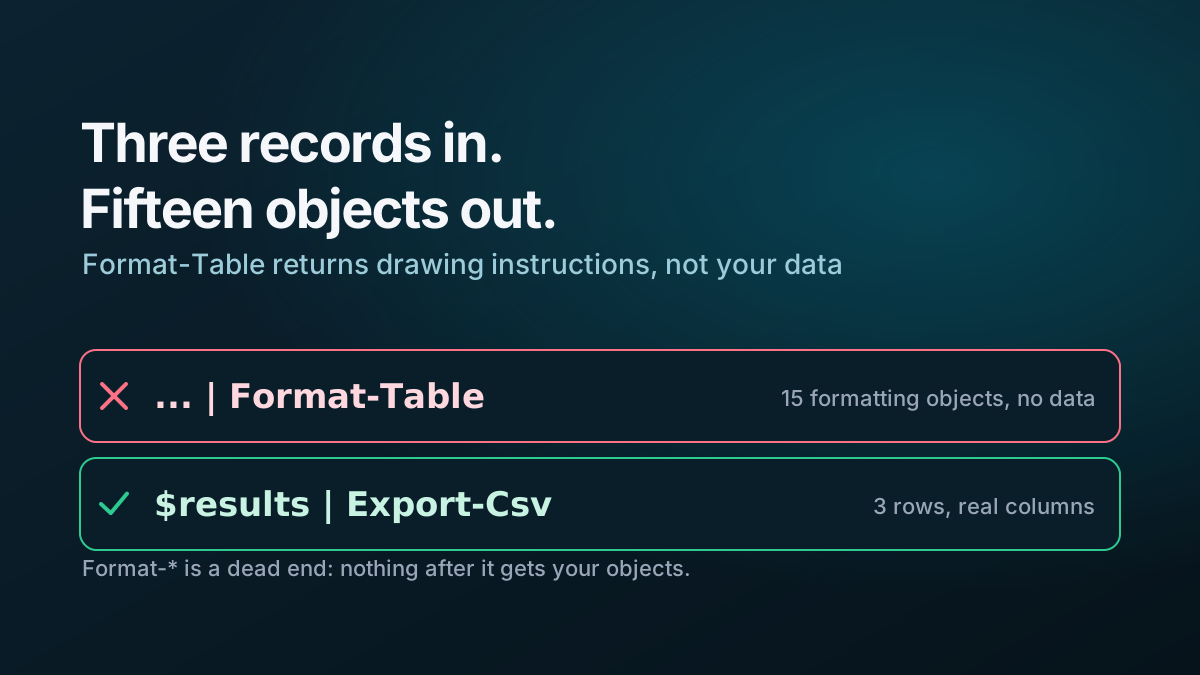
Format-Table does not return your objects. It returns formatting instructions — internal objects that tell the host how to draw a table — and something downstream is meant to render them. Here, the loop assignment caught them before anything could. Three records in, fifteen objects out, of five internal types: FormatStartData, GroupStartData, FormatEntryData, GroupEndData, FormatEndData.
It is easy to write because it is how you would look at each record while developing: add | Format-Table to see the output, then later wrap it in an assignment and an export, and the habit stays in.
The rule is that Format-* cmdlets are a dead end. Nothing after them gets your data, so they belong only at the very end of a pipeline, and only when the destination is a person reading a screen:
$results = foreach ($group in 'Finance', 'Platform', 'Support') {
    [pscustomobject]@{ Group = $group; Members = $group.Length }
}
$results | Export-Csv report.csv -NoTypeInformation   # the data
$results | Format-Table                               # the view, last
Two cheap checks would have caught it, and both are worth keeping anyway:
- Assert the count. Three items in should mean three items out.
$results.Counthere was 15. - Check for a column you expect, not just that the file exists. A success message proves the export ran. It says nothing about what it exported.