I built a Linux workstation, created an account with the obvious name, and started working. Some weeks later a username standard arrived: eight characters, lower case, allocated centrally so it matches the account the same person holds on other systems.
So the account had to be renamed. On a machine I mostly reach over SSH, where I am also the only administrator.
usermod -l is one command. The rename is not one change.
A username is a label, not an identity
The kernel does not know your name. It knows your UID. Everything on disk is owned by a number, and the name is a lookup performed by whatever asks.
That split is the reason a rename is survivable at all, and the reason it leaves debris. Nothing stores the name just once. It is referenced in a lot of places, each by a different component that resolved it at some earlier point and wrote it down:
| Where the old name persists | What breaks if it is missed |
|---|---|
/etc/passwd, /etc/shadow, /etc/group, /etc/gshadow |
the account itself, handled by usermod/groupmod |
| the home directory path | shells start in a directory that no longer exists |
/etc/sudoers or a file in /etc/sudoers.d/ |
no privilege escalation |
polkit rules under /etc/polkit-1/rules.d/ |
GUI privileged actions start prompting again |
/var/lib/AccountsService/users/ |
the login screen still offers the old name |
systemd user units, XDG_RUNTIME_DIR, lingering sessions |
services keep running as a user that no longer exists |
| SSH key comments and any remote copy of the public key | cosmetic locally, significant if a remote system matched on it |
| GPG key user IDs | a key enrolled elsewhere under the old name no longer matches |
| shell profile: exported account variables, aliases, agent paths | tooling silently authenticates as the wrong principal |
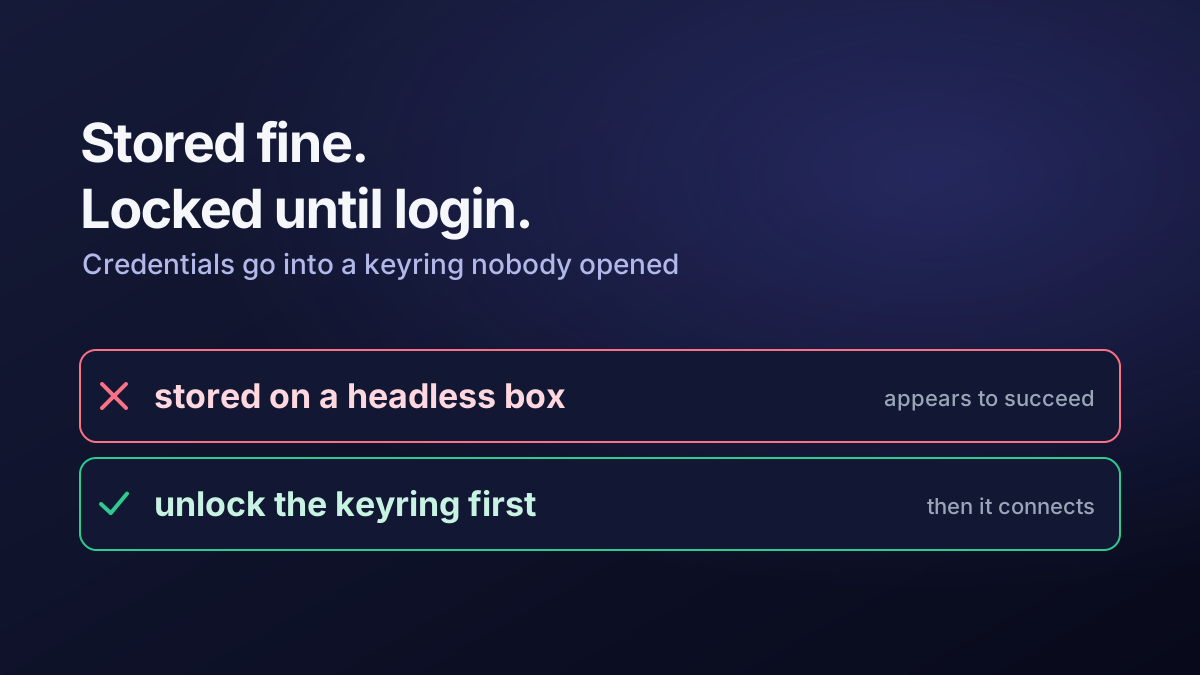
| the login keyring and stored credential entries | saved tokens and passwords appear to have vanished |
| anything remote that was told your username | the interesting failures (see below) |
The local half of that list is finite and checkable. The remote half is not. If a public key was enrolled somewhere against a name, or a shared credential store keys entitlements to a username, the rename is a change to someone else’s system as well as yours.
That is the first real lesson: agree the naming standard before the account is provisioned, not after. None of the technical work here is hard. All of it was avoidable.
Do not stand on the branch you are cutting
Two constraints make this safe, and neither is optional on a remote machine.
You cannot rename an account that has a live session. usermod refuses while processes are running as that user, and forcing it around that is how you get a half-renamed account.
You must have a second way in. Before touching anything, create a temporary administrator:
sudo useradd -m -s /bin/bash tempadmin
sudo passwd tempadmin
sudo usermod -aG sudo tempadmin
Then prove it works from a separate SSH session. Log in, run sudo -v, and leave that session open. An untested safety net is not a safety net. The failure mode you are protecting against is “the rename goes wrong in a way that removes your ability to fix it”, and passwordless sudo keyed to a username that no longer exists does exactly that.
I did this around each change and removed the account afterwards:
sudo deluser --remove-home tempadminShort-lived local admin accounts are a reasonable engineering control. Short-lived local admin accounts that are still there six months later are a finding.
The rename itself
From the temporary admin session, with no sessions left for the target account:
# terminate any remaining session and its user manager
sudo loginctl terminate-user olduser

# rename the login, moving the home directory with it
sudo usermod -l newuser -d /home/newuser -m olduser

# rename the matching primary group
sudo groupmod -n newuser olduser
-m moves the contents of the home directory and repoints the entry, which is the part most likely to be forgotten. Then the references:
# sudo: edit with visudo so a syntax error cannot lock you out
sudo visudo -f /etc/sudoers.d/newuser

# polkit rules
sudo grep -rl olduser /etc/polkit-1/rules.d/

# the greeter's cached user list
sudo ls /var/lib/AccountsService/users/
sudo rm /var/lib/AccountsService/users/olduser
visudo matters more than it looks. It validates before it writes. A hand-edited sudoers file with a typo is unrecoverable without a root shell you may not have.
Then sweep for anything else that named the account:
sudo grep -rIl --exclude-dir=proc --exclude-dir=sys olduser /etc /var/lib 2>/dev/nullExpect hits you did not plan for. In my case the shell profile exported the username to tooling as an environment variable, an SSH key carried it in its comment and filename, and a GPG key had it in its user ID. The GPG key mattered: the public key had been enrolled on another system to decrypt shared secrets. A renamed account with a key that still asserts the old identity is worse than broken, because it works locally and fails at the point of use.
Changing the UID is a different job
Later the same account needed a specific UID and GID, to match the numbering used elsewhere.
This is the opposite operation. The rename changed a label everything looked up; this changes the number everything already recorded. Every inode the account owns is about to point at a UID that is no longer theirs.
# nothing may be running as the account
sudo loginctl terminate-user newuser

sudo usermod -u 2023 newuser
sudo groupmod -g 2023 newuser
usermod -u re-owns files under the home directory. It does nothing about anything outside it. So the sweep is the actual work:
# find first, and read the list, before changing anything
sudo find / -xdev \( -uid 1000 -o -gid 1000 \) -print > /tmp/reown.txt
wc -l /tmp/reown.txt

# then, per filesystem (-xdev does not cross mount points)
sudo find / -xdev \( -uid 1000 -o -gid 1000 \) \
  -exec chown -h 2023:2023 {} +
sudo find /mnt/data -xdev \( -uid 1000 -o -gid 1000 \) \
  -exec chown -h 2023:2023 {} +
Four things about that command are load-bearing:
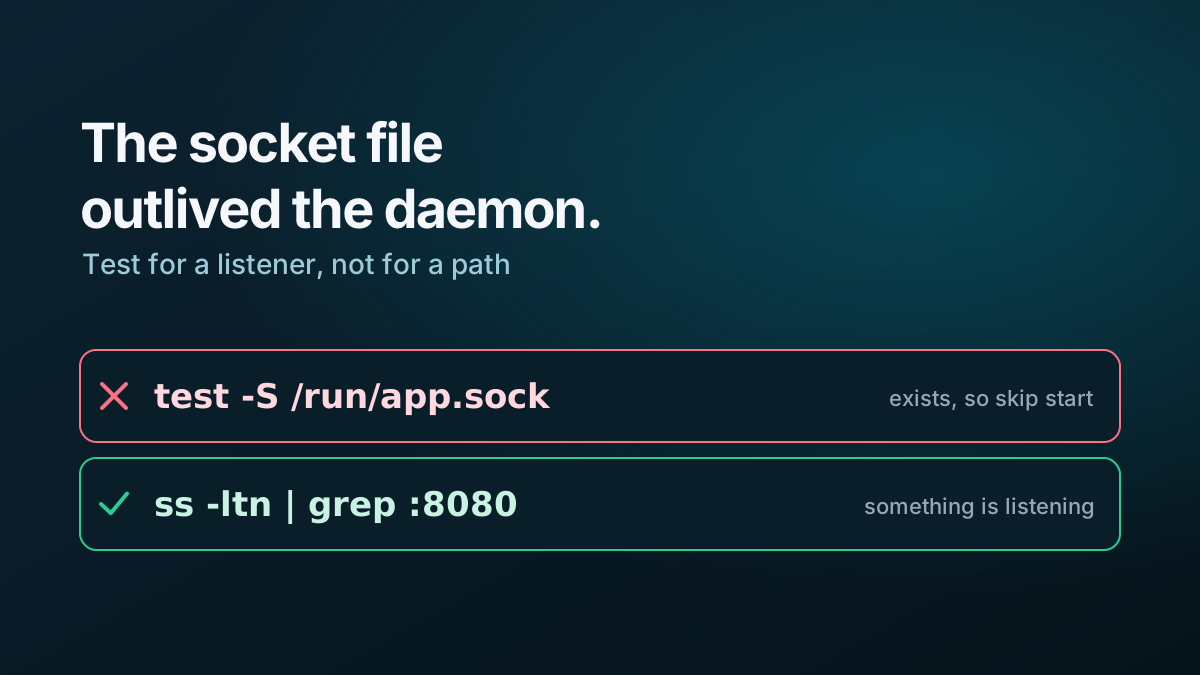
-xdev, and one pass per mount point. Without it you walk/proc,/sysand every network or virtual filesystem attached. With it, you must remember to run it again for each real filesystem. A separate encrypted data volume is easy to forget, and will keep quietly reporting the wrong owner.-hacts on symbolic links rather than their targets. Without it, a link pointing outside the sweep re-owns something you did not intend.- Search by number, not name. By the time you run this, the name resolves to the new UID.
find -user newuserreturns nothing and looks like success. - Confirm the target UID is free first (
getent passwd 2023). Two accounts sharing a UID is not an error the tools will stop you making, and afterwards it is indistinguishable from a permissions bug.
Then reboot, rather than assuming the running system has caught up. Long-lived processes, caches and sockets hold the old numbers.
Verifying it, properly
A rename that appears to work and is subtly incomplete is the bad outcome, because the evidence arrives weeks later. I check all of these:
id newuser                     # name, UID, GID, supplementary groups
getent passwd newuser          # home path and shell
sudo -v                        # privilege escalation still works
ls -ld /home/newuser           # ownership, not just existence
find / -xdev -nouser -print    # files owned by no one at all
loginctl list-sessions         # sessions attributed correctly
Plus the things no command will tell you: log out and back in over SSH as the renamed account; unlock the keyring and confirm stored credentials are still readable; confirm the SSH agent loads the intended key; and exercise one thing that authenticates to a remote system, because that is where a name mismatch actually bites.
find / -xdev -nouser is the one I would keep if I could only keep one. It answers “did I miss a filesystem?” directly, and a reference to a UID with no account behind it is the specific residue this work leaves.
What I would do differently
Establish the username standard before provisioning. Two renames and a UID change on one machine was entirely self-inflicted.
Treat the account as configuration data rather than as something typed once during install. The username, UID, GID, home path and key identities are a small set of facts that belong in the build, not discovered later by grep.
Do it in a single planned pass, with the safety-net account already tested, the reference list written down before starting, and a find dry run read in full before any chown runs. Each individual step here is trivially reversible. What is not recoverable is losing administrative access to a machine you cannot physically reach, and that is the only outcome worth engineering against.