Google Cloud certifications can now renew without an exam: complete a set of courses and skill badges in Google Skills, the progress bar fills, and the certification renews automatically.
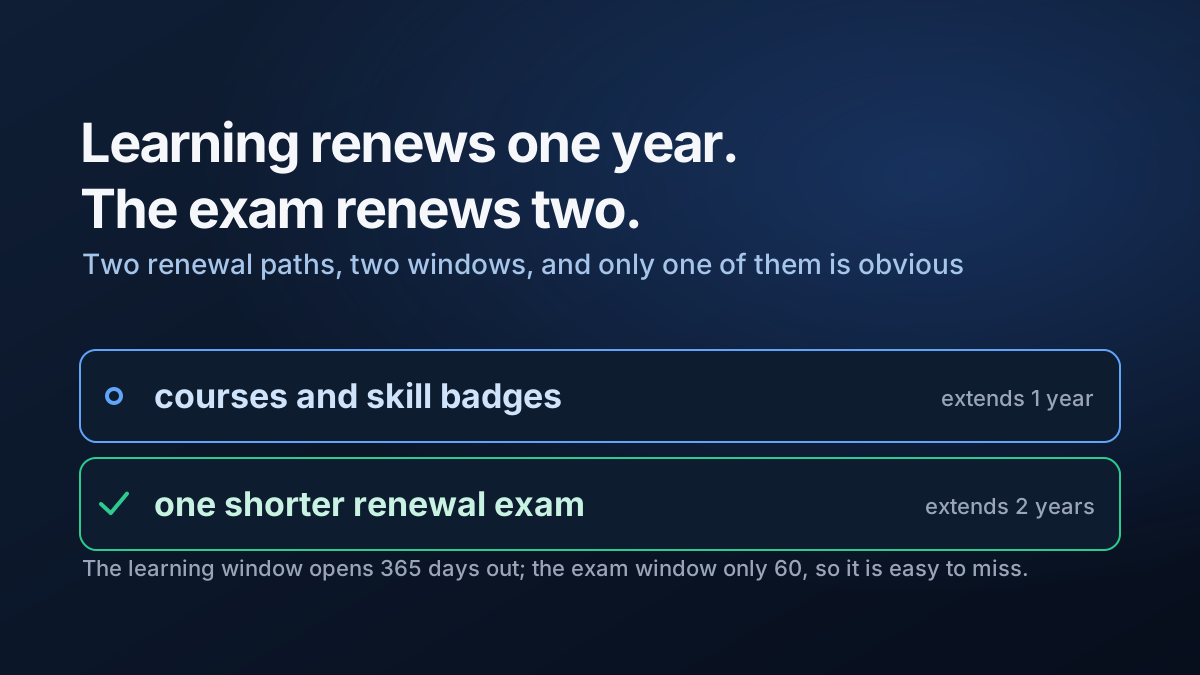
The detail worth knowing before you start is that the two renewal paths do not buy the same amount of time.
For Professional Cloud Architect:
| Path | Window opens | Extends by |
|---|---|---|
| Continuing education | 365 days before expiry | 1 year |
| Shorter renewal exam | 60 days before expiry, 30 days after | 2 years |
So the learning path is available for a full year and the exam path appears only in the last two months. If you start the activities early and finish them late, the option worth twice as much can come and go without you ever seeing it. The renewal exam is not even visible in the registration catalogue until that window opens.
Sit it early if you take it. A failed attempt means waiting 14 days, and a second failure means 60 more — so the last date that still leaves room for three attempts is about ten weeks before expiry, not two.
Two more rules that catch people out:
- Activities completed before the window opens do not count, and you cannot retake them for credit. Courses you finished last year show as complete and contribute nothing.
- Skill badges advance the bar further than courses, because they are hands-on. The requirement is a combination — two skill badges, or one badge and two courses, or four courses — so the badge is usually the shortest route.
Switching paths is allowed for Professional Cloud Architect. It is not for Associate Cloud Engineer, Professional Data Engineer or Cloud Digital Leader, where the choice sticks after your first attempt.
Check your expiry date and your certification’s switching rule before choosing a path, not after.