I set up a dedicated SSH agent that starts on login and loads one key, so a passphrase-protected key would not need its passphrase on every use. It worked perfectly at the console and never once over SSH.
The logic was in ~/.profile. Which file a shell reads depends on how it was started, and the three cases are genuinely different:
| How the shell started | What bash reads |
|---|---|
| Console or desktop login | ~/.profile (login shell) |
ssh host, interactive session |
~/.bashrc |
ssh host command, non-interactive |
~/.bashrc, and only if the distribution’s default early-exit guard is not hit first |
An interactive SSH session is not a login shell, so ~/.profile is never sourced. Nothing errors. The agent socket variable is simply unset, and every key operation falls back to prompting, or fails outright in a script.
Moving it to ~/.bashrc fixes it, with a guard so each new session reuses the agent rather than starting another:
# ~/.bashrc
AGENT_SOCK="$HOME/.ssh/ssh-agent"
if ! ssh-add -l >/dev/null 2>&1; then
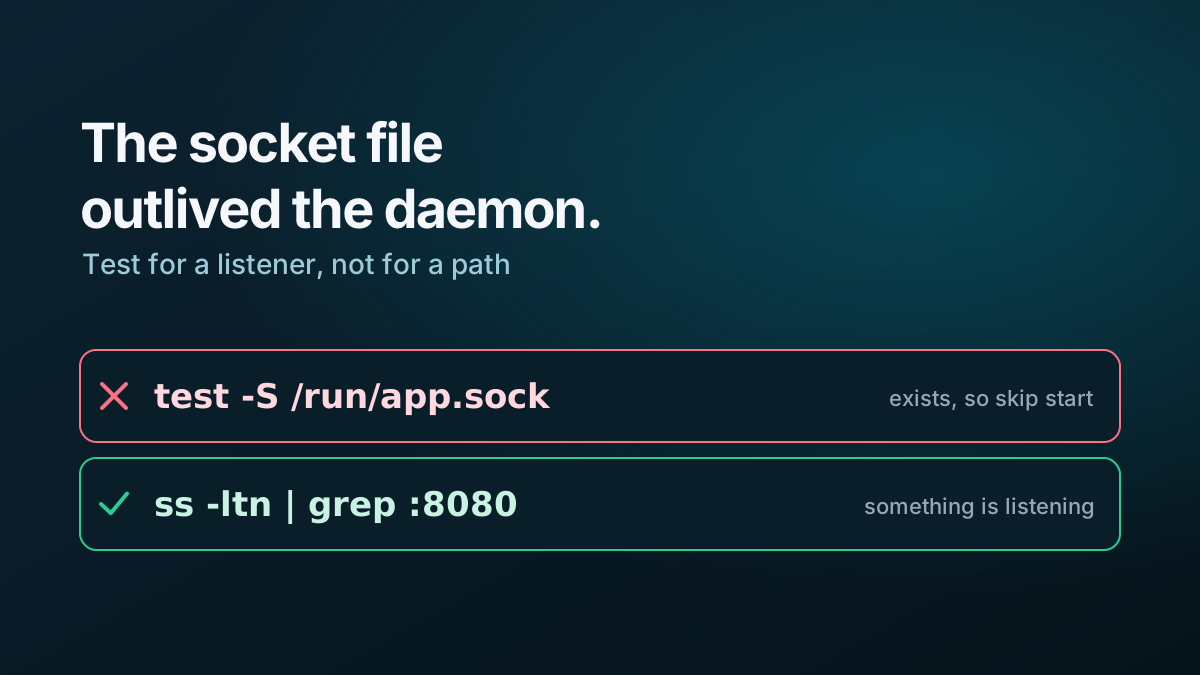
    if [ -S "$AGENT_SOCK" ] && SSH_AUTH_SOCK="$AGENT_SOCK" ssh-add -l >/dev/null 2>&1; then
        export SSH_AUTH_SOCK="$AGENT_SOCK"
    else
        rm -f "$AGENT_SOCK"
        eval "$(ssh-agent -a "$AGENT_SOCK")" >/dev/null
        export SSH_AUTH_SOCK="$AGENT_SOCK"
        ssh-add ~/.ssh/id_work
    fi
fi
The fixed socket path is what makes it reusable. An agent started without -a picks a random path, so every session gets its own agent and its own passphrase prompt, the fault you were trying to fix.
Watch the top of the distribution’s stock ~/.bashrc: most begin with a line that returns immediately if the shell is not interactive. Anything placed after it never runs for ssh host command, which is exactly the case automation uses.
The cleaner answer on a systemd machine is a user service, which starts once per session regardless of how you arrived and does not depend on any shell reading any file. The shell-file route is still worth knowing, because you will meet it on machines that have no user manager at all.