Most laptop builds are a sequence of accepted defaults. That is usually fine. It is less fine on a machine that will hold source code, infrastructure tooling, virtual machines and credentials for systems other people depend on.
So I built this one slowly, and wrote down why each decision went the way it did. This is that write-up: an Ubuntu LTS workstation with full-disk encryption that unlocks from the TPM, a second encrypted volume for work, and credentials held in a keyring rather than in files. It is also an honest account of where the convenience-versus-assurance line got drawn, because a build note that only lists the strong choices is marketing.
What the machine is actually defending against
The threat model for a laptop is narrower than people assume, and stating it plainly stops the build from drifting into theatre.
In scope: the machine is lost, stolen, sent for repair, or disposed of. Someone has it, powered off, and wants the data. This is the overwhelmingly likely case, and it is the one disk encryption solves.
Partly in scope: a stolen machine is powered on but locked. Encryption is no longer the control; the lock screen, session policy and firmware settings are.
Out of scope, honestly: a determined attacker with physical possession, time and hardware skill, or a compromise of the running system while I am logged in. Nothing in this build defeats an attacker who owns the kernel while the volumes are already unlocked.
Everything below follows from that. Encryption at rest is the primary control; everything else reduces how much a routine compromise can reach.
Root: LUKS with TPM2 as an unlock method, not a replacement
The primary NVMe drive is LUKS with LVM on top, set up at install. The default experience is a passphrase prompt at every boot, and the default response to that is a weak passphrase.
Instead, I enrolled the TPM as an additional key slot:
# see the current key slots before changing anything
sudo cryptsetup luksDump /dev/nvme0n1p3

# enrol the TPM against a PCR policy
sudo systemd-cryptenroll --tpm2-device=auto \
  --tpm2-pcrs=7 /dev/nvme0n1p3
Three things about this are the whole point:
The passphrase stays. It remains in its own key slot as the fallback. A TPM-only configuration is one motherboard failure away from being unrecoverable, and the recovery path for encrypted data you cannot decrypt is “restore from backup”, which is a different conversation than you wanted to have.
The unlock is bound to a measured boot state, not to the machine. The PCR policy is what makes this meaningfully different from writing the key to disk. Change the boot chain and the TPM declines to release the key, and you are back at the passphrase. That is the control working, not a fault.
Secure Boot is load-bearing. Without it, PCR 7 is not asserting much. TPM-backed unlock on a machine with Secure Boot disabled looks like the same feature and provides substantially less.
The practical consequence worth knowing before you enrol: firmware updates, boot loader changes and Secure Boot key changes can all invalidate the policy. Know where the passphrase is before the first kernel update.
A second volume, and a deliberately weaker choice
The machine has a second NVMe drive that arrived with an encrypted Windows partition on it. I wiped it and set it up as a LUKS volume mounted at /mnt/data, holding all source code, virtual machine images and build artefacts.
It auto-unlocks at boot from a keyfile stored on the encrypted root:
# /etc/crypttab
data  UUID=<uuid>  /etc/luks/data.key  luks,discard
This is the compromise in the build, and it should be named as one. Where the second volume is unlocked by a key held on the first, both rest on one protection, the root volume’s. If root is unlocked, /mnt/data is unlocked.
I chose it anyway, and the reasoning is worth being explicit about:
- Against the actual threat model (powered-off machine in someone else’s hands), a keyfile on an encrypted volume is protected by that encryption. Both volumes are opaque.
- The alternative was a second interactive passphrase at every boot, which on a machine that reboots for kernel updates and occasionally needs to come back unattended is a reliability problem.
- The keyfile has restrictive ownership and permissions, and lives on the volume the TPM policy protects.
What it does not do is protect work data from anything that gets root on the running system. If that mattered more, the data volume would need its own passphrase, or its own TPM policy over a different PCR set, and I would accept the boot friction. Naming the trade-off is the difference between a decision and an accident.
Filesystem layout, so the encryption is not bypassed by habit
Encryption only helps if the sensitive material is actually on the encrypted volume. The reliable way to get that wrong is to leave a convenient path outside it.
So the repositories directory is a symlink:
sudo mkdir -p /mnt/data/src
sudo ln -s /mnt/data/src /src
/src is short enough to type, so nothing ends up in a home-directory scratch folder by accident. Everything that matters lands on the volume by default rather than by discipline.
The same logic applies to virtual machines. A libvirt storage pool pointed at /mnt/data keeps disk images (which contain entire filesystems, and frequently credentials) inside the encrypted boundary. The default pool location is not where you want a lab VM’s disk to accumulate.
Credentials: keyring, not files
Git needs to authenticate to a remote. The path of least resistance writes a token to ~/.git-credentials in plain text. Instead:
sudo apt install libsecret-1-0 libsecret-1-dev
git config --global credential.helper libsecret
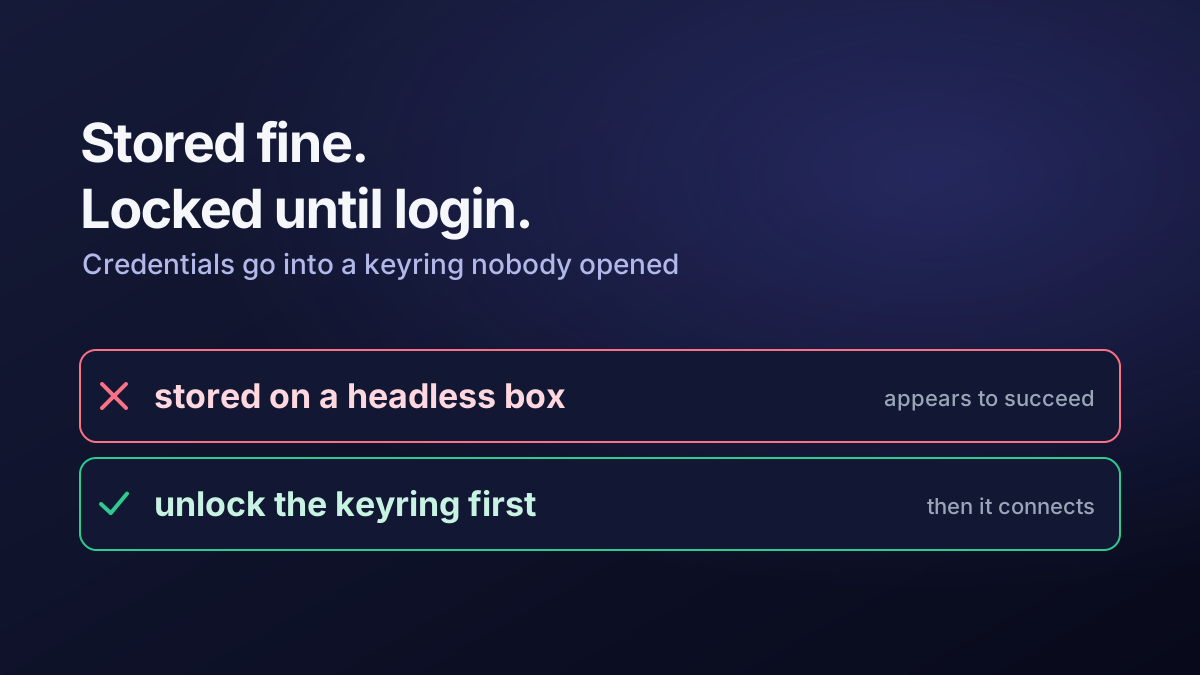
Tokens then live in the login keyring, unlocked by the session rather than readable by anything that can read the home directory.
The same principle covers SSH. A key with a passphrase, plus an agent that loads it once per session, is better than a passphrase-less key and only marginally less convenient:
ssh-keygen -p -f ~/.ssh/id_work # add a passphrase to an existing keyOne detail cost me time and is worth stating on its own, because it is not obvious: ~/.profile does not run for a non-login SSH session. Agent start-up logic placed there works when you log in at the console and silently does nothing when you SSH in. It belongs in ~/.bashrc, or better in a systemd user unit, which is the mechanism actually designed for “one long-running thing per session”.
Where the platform offers a stronger option, take it. Elsewhere I needed an RSA key rather than Ed25519, purely because the system at the far end backs its keys with a TPM that does not support the newer algorithm. That is a legitimate reason to use RSA. “It is what the tutorial said” is not.
The convenience settings, and their cost
Two configuration changes made the machine usable, and both reduce assurance slightly. Both are defensible; neither should be silent.
Passwordless package installation from the desktop. A polkit rule lets members of the sudo group install packages without re-authenticating:
/* /etc/polkit-1/rules.d/49-nopasswd-packagekit.rules */
polkit.addRule(function (action, subject) {
  if (action.id.indexOf("org.freedesktop.packagekit.") === 0 &&
      subject.isInGroup("sudo")) {
    return polkit.Result.YES;
  }
});
On a single-user machine where that user already has sudo, this removes a prompt rather than a control. On a shared or managed machine it would be wrong, and it is exactly the kind of local exception that should never be copied into a fleet image.
No auto-suspend on AC power. Kept on battery, disabled on mains, so remote sessions survive. Lid-close behaviour likewise:
# /etc/systemd/logind.conf
HandleLidSwitch=ignore
This is a real trade: an unattended machine that does not suspend is an unattended machine that does not lock. It is only reasonable alongside an actual screen-lock policy, and it is the setting I would revisit first if the machine left the house regularly.
Two stability details that are not security but cost a day each
Network interface naming. Predictable interface names are predictable right up to the point where firmware or a hardware change renames the device, and every profile bound to the old name stops matching. A connection profile keyed to an interface name is brittle; matching on the network instead survives the rename:
network:
  version: 2
  wifis:
    wifi-home:
      match: {}
      access-points:
        "<ssid>": {}
Toolchain versions. Install the language runtime a project needs alongside the system one, never in place of it. The distribution’s own tooling depends on the system interpreter. Per-project virtual environments and a fast dependency resolver are worth the ten minutes of setup; a workstation-wide install into the system interpreter is the beginning of a rebuild.
What I would keep, and what I would automate
The parts that earned their time: TPM-backed unlock with the passphrase retained, one obvious encrypted path for all work, credentials in the keyring, and writing the trade-offs down while making them rather than reconstructing them later.
The part I would change: the record of this build is a sequence of commands in my shell history. A rebuild would be a slow re-derivation of decisions I have already made. The account name, UID, mount points, keyring configuration, polkit exceptions and power policy are a short list of facts, perhaps forty lines of declarative configuration. That is the version I would want the next time the machine is replaced.
An encrypted laptop is not a hard build. A documented encrypted laptop, where every weakening of the default is a named decision with a reason, is a different artefact, and it is the one worth having when someone asks why the data volume unlocks itself.